Logwhat-the-engine-refuses
What the engine refuses to export, and why that is good news
Four faults that used to come off the machine before we saw them — colliding tabs, a drill in a groove, overlapping faces, a missing cutter — and the codes the engine now emits instead: ASSEMBLY_OVERLAP, DRILL_IN_GROOVE, FACE_OVERLAP, CUTTER_UNAVAILABLE.
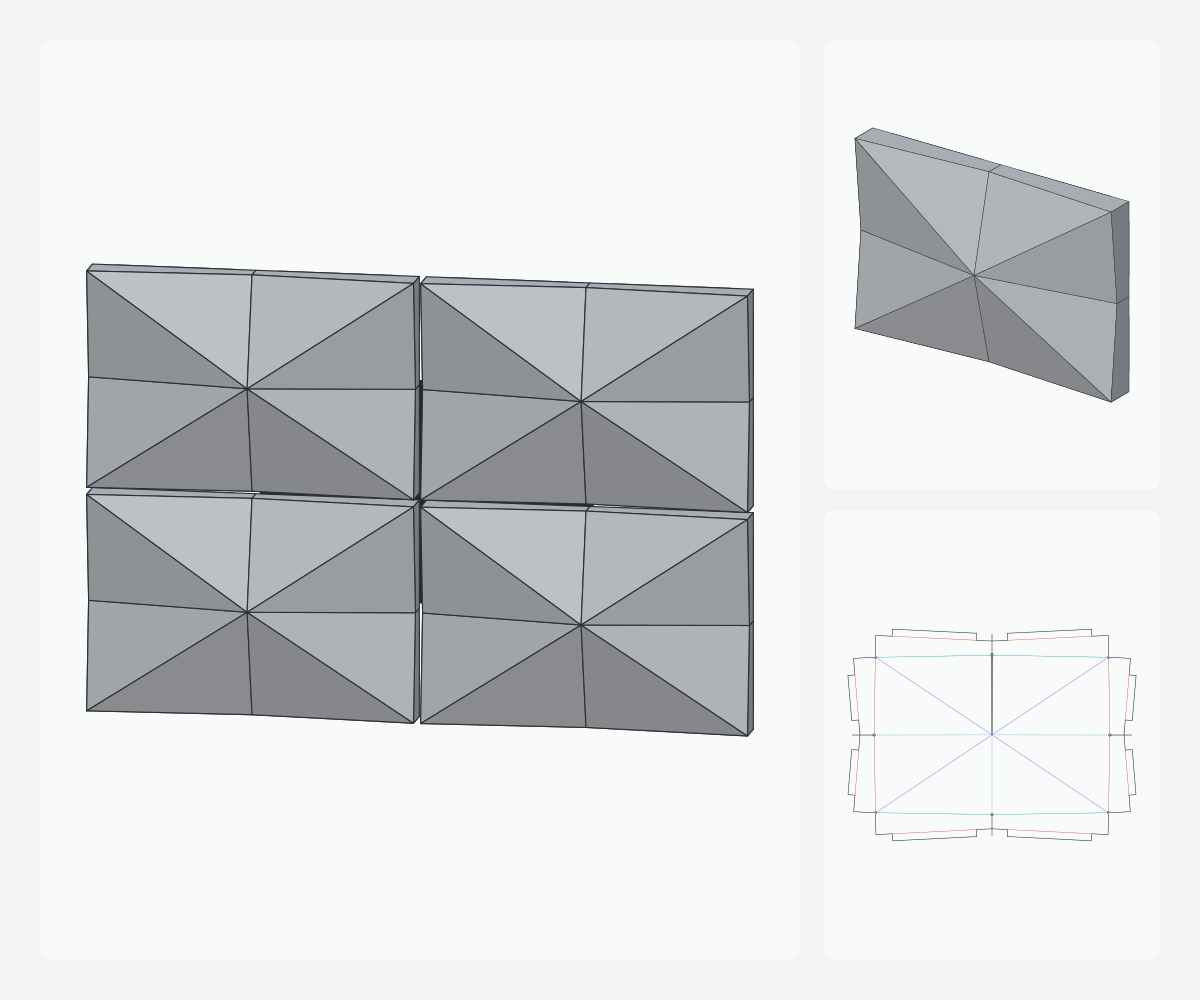
A DXF has an unpleasant property: it is always “valid”. Two overlapping faces, a hole landing in a groove, a groove asked of a cutter we do not own — the file opens, CAM takes it, the machine cuts it. The fault shows at the end, on the sheet, once it is worth nothing. Here are the four faults that cost us the most, and what the engine did with them.
The rule: a flat pattern with an error does not export
Every engine diagnostic carries a code, a severity (info, warning, error) and a message naming faces and values. The panel is exportable if and only if it has no diagnostic of severity error. It is not a warning you can dismiss: the DXF button does nothing, and the MCP server answers “panel not exportable: fix the diagnostics”. We hesitated over an “export anyway” checkbox. We did not add it. A 4 mm sheet of 1,500 × 3,200 costs more than the minute lost fixing a parameter.
ASSEMBLY_OVERLAP — assembly collision
This is the sneakiest fault, because it is invisible on the flat pattern. Flat, everything is clean. Folded, the tabs of two neighbouring returns land in the same plane behind the plateau and overlap: on site, one rides over the other and the cassette no longer sits flat. The 2D test of the pattern cannot see it. So the engine rebuilds the finished solid (at t = 1), looks for pairs of coplanar faces (aligned normals, planes within 0.05 mm), projects each into its plane and computes the intersection area. Above 0.01 mm² it is an error, with both faces named and the area in mm². The fix is always the same: shorten the tabs or enlarge the return.
json{
  "code": "ASSEMBLY_OVERLAP",
  "severity": "error",
  "message": "Repliées, « patte gauche » et « patte haute » se recouvrent
    dans le même plan (312.5 mm²) : elles se percuteraient au montage.
    Raccourcir les pattes ou agrandir le retour.",
  "faces": ["tab-left", "tab-top"]
}
DRILL_IN_GROOVE — drill in a groove
A fixing hole placed too close to a face edge. On the drawing it sits beside the groove. But a V-groove has a width — at 4 mm with a 90° cutter, about 7 mm on the back — and the bend deduction moves the fold axis by r/2 after trimming. The drill enters the V: residual skin pierced, the fold breaks at first assembly. The engine measures the distance from the hole centre to the axis of every groove of its face and requires at least half-width + radius. Otherwise: DRILL_IN_GROOVE, with the measured distance and the minimum. Fix: increase the drill margin.
FACE_OVERLAP — overlapping faces
Two faces of the pattern occupy the same area of sheet. It happens when a return is deeper than the room left by the relief, or when two apex slits converge too close together. The outline looks closed, CAM accepts it, and the cut runs through a neighbouring face. The engine tests every pair of faces (bounding boxes first, then intersection area, never a mere “non-empty” that would scream at every shared edge) and reports the area in mm². The pattern cannot be made as is, and it says so.
CUTTER_UNAVAILABLE — cutter not available
A cassette slope 100 mm wide and 40 mm high asks for a fold that is neither 90° nor 135°. The engine computes the required apex angle and looks in the machine profile for a cutter that gives it, within the overfold tolerance (GROOVE_OVERFOLD, warning). It does not find one: CUTTER_UNAVAILABLE, with the required angle, the nearest cutter and the gap in degrees. Often it also proposes a double groove (DOUBLE_GROOVE_AVAILABLE) with the band width needed, or a nearby parameter value that lands on an existing cutter (PARAM_PROPOSAL). We used to find this out looking for the cutter in the drawer.
Why this is good news
- The fault is seen on screen, with the face names and the measured value, not on the sheet.
- Every error says what to do: shorten the tabs, increase the margin, add a cutter or change a parameter.
- Nothing is dropped in silence. A hole too small for the tool is not erased:
HOLE_SMALLER_THAN_TOOL, error. - The same checks run on every family at every engine change; a family whose pattern regresses fails the tests.
Read next: returns, tabs and corner reliefs: the rules applied.