Aluminium composite 3 – 6 mm · 3-axis router
From the 3D cassette to a machinable DXF.
Pick a panel family, set a dozen parameters, export the contour, the V-grooves and the drills on their layers. The flat pattern is right by construction: you draw nothing.
Free trial: 3 DXF a month with an account. Watch the 15-second demo
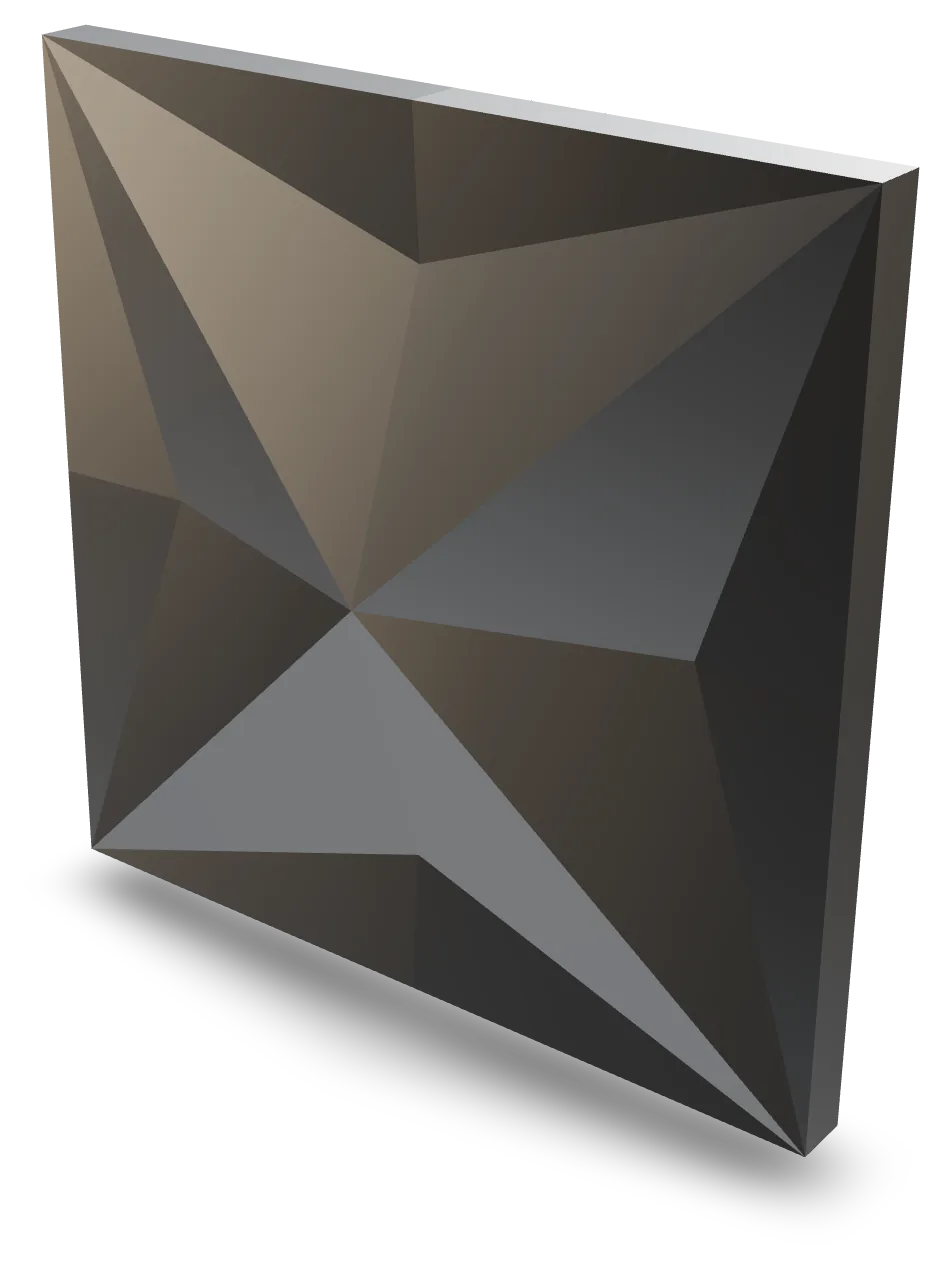
- 39 families
- DXF R12/R2000
- grooves RAINURE_90 RAINURE_135
- 4 languages
Façades, not thumbnails
Every wall below is rendered by the studio engine in a real finish: the geometry you see is the geometry that goes to the machine.
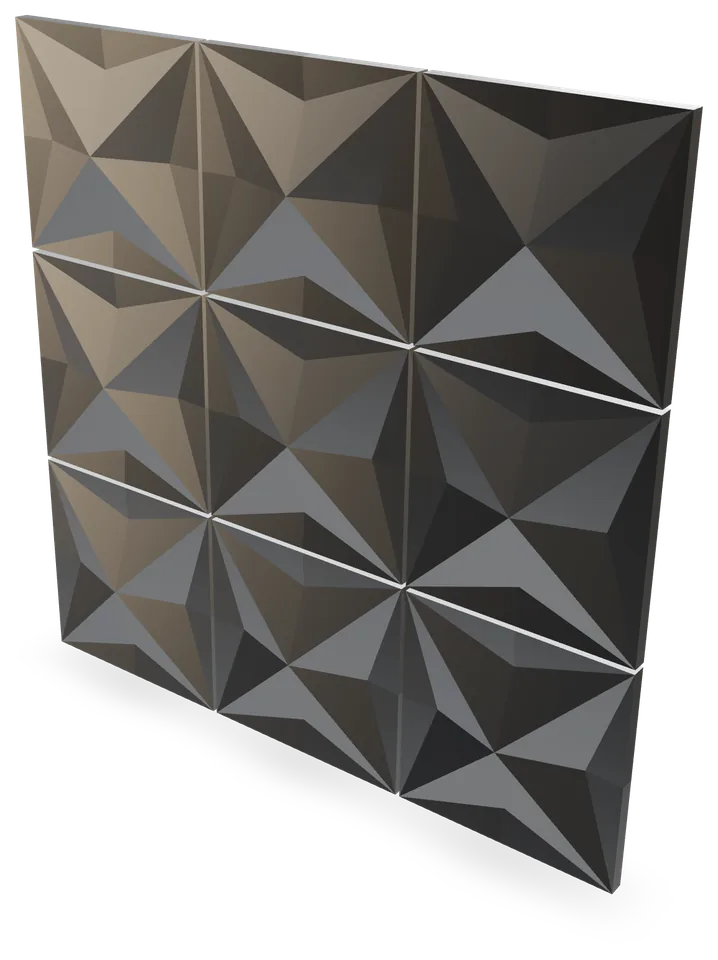 Four-notch star cassetteBrushed aluminium
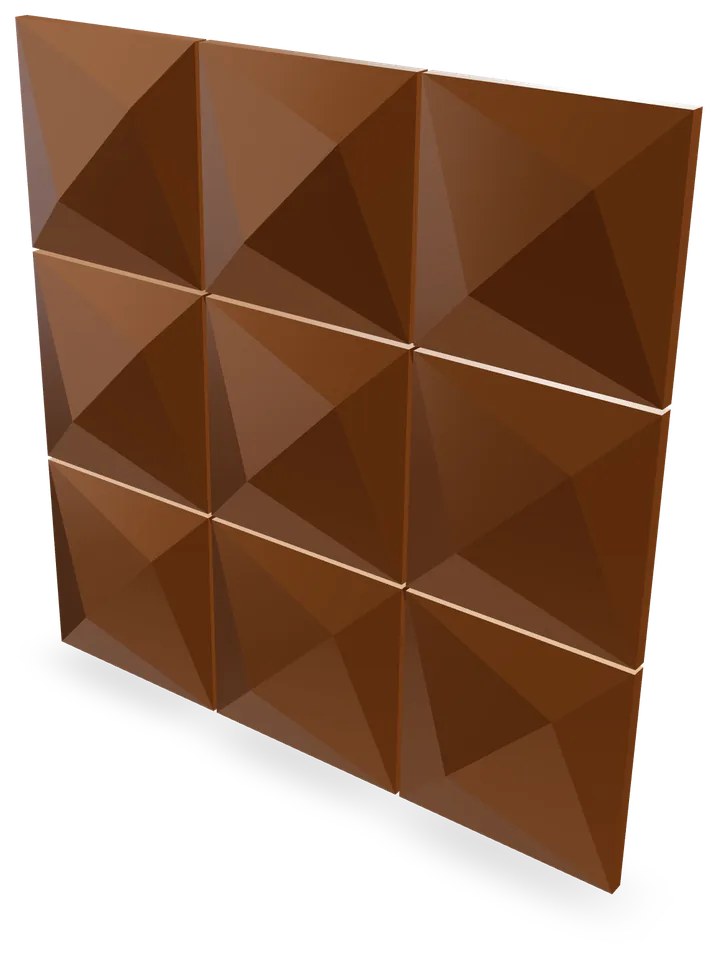 Diagonal ridge cassetteCopper
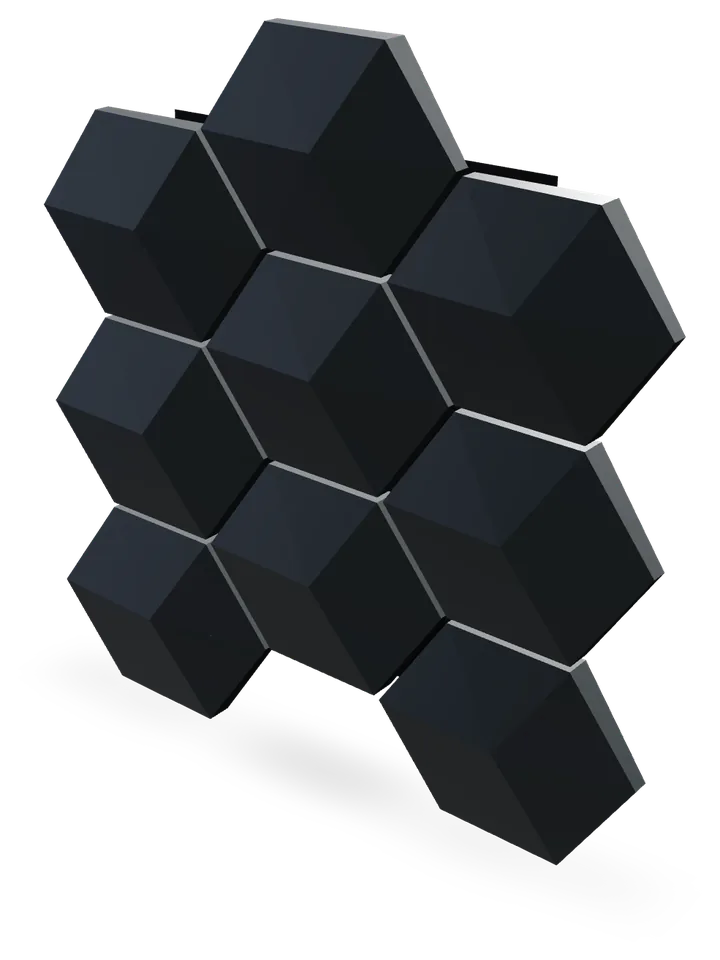 Faceted hexagonal cassetteRAL 7016 anthracite
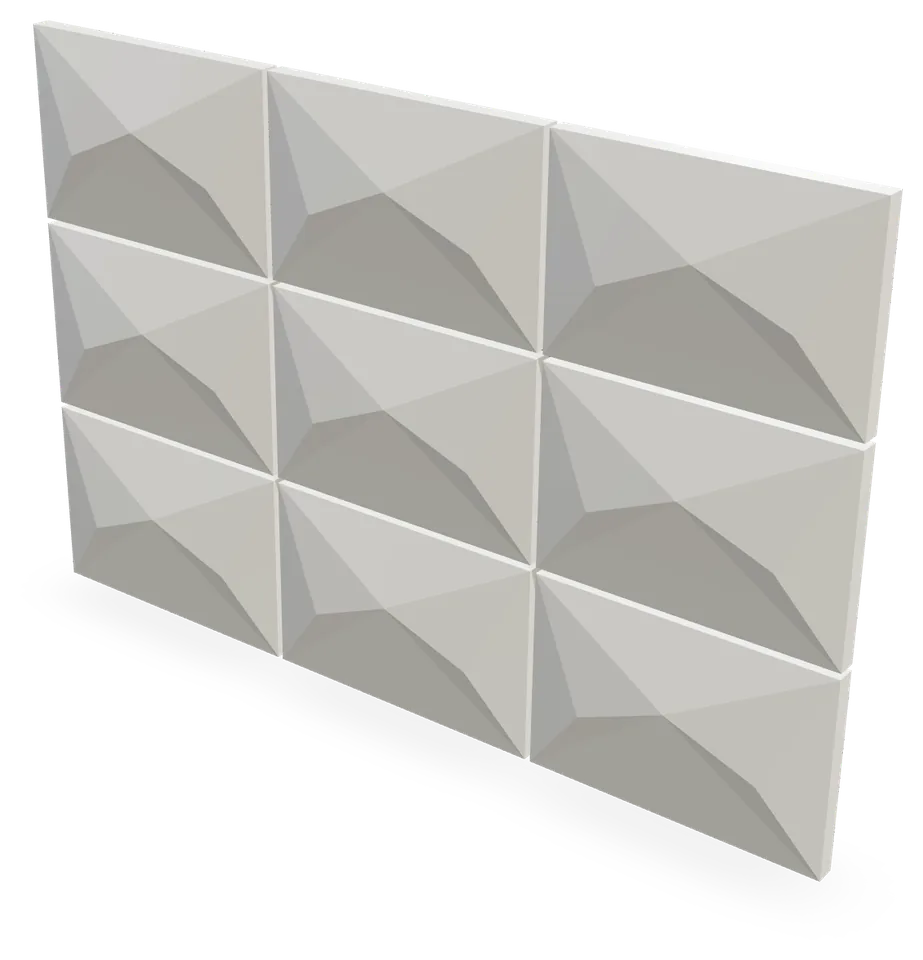 Chevron cassetteRAL 9010 pure white
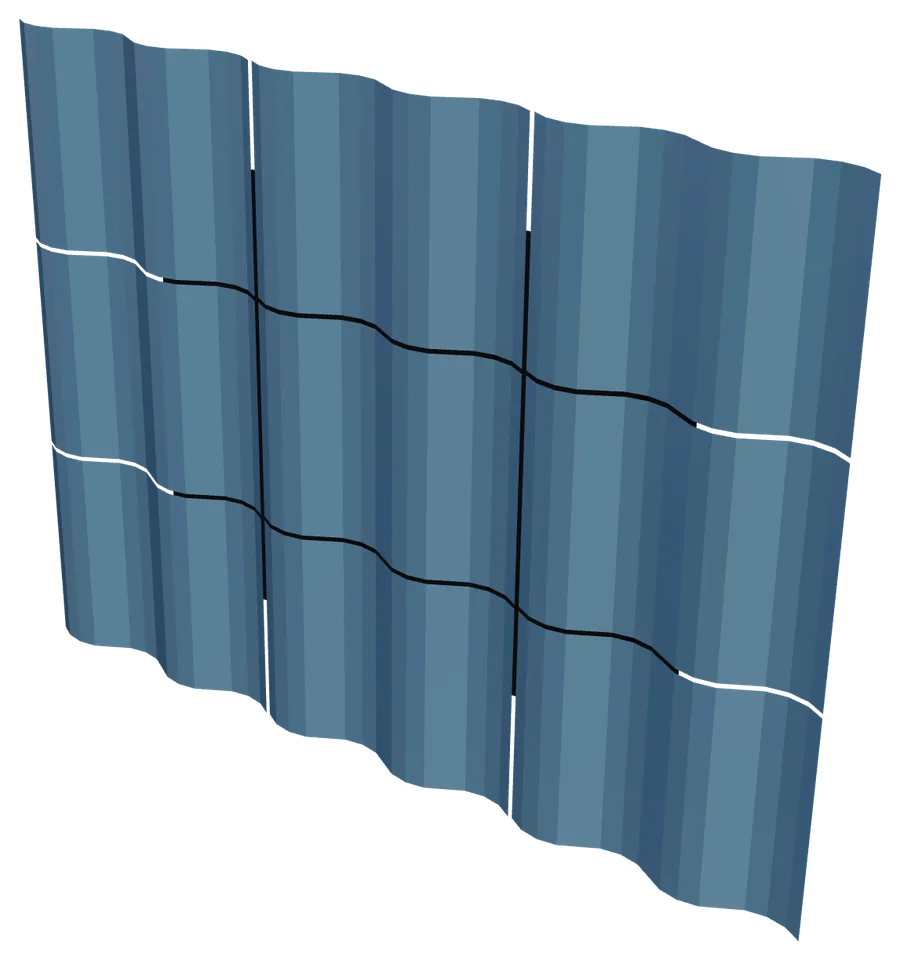 Faceted waveRAL 5024 pastel blue
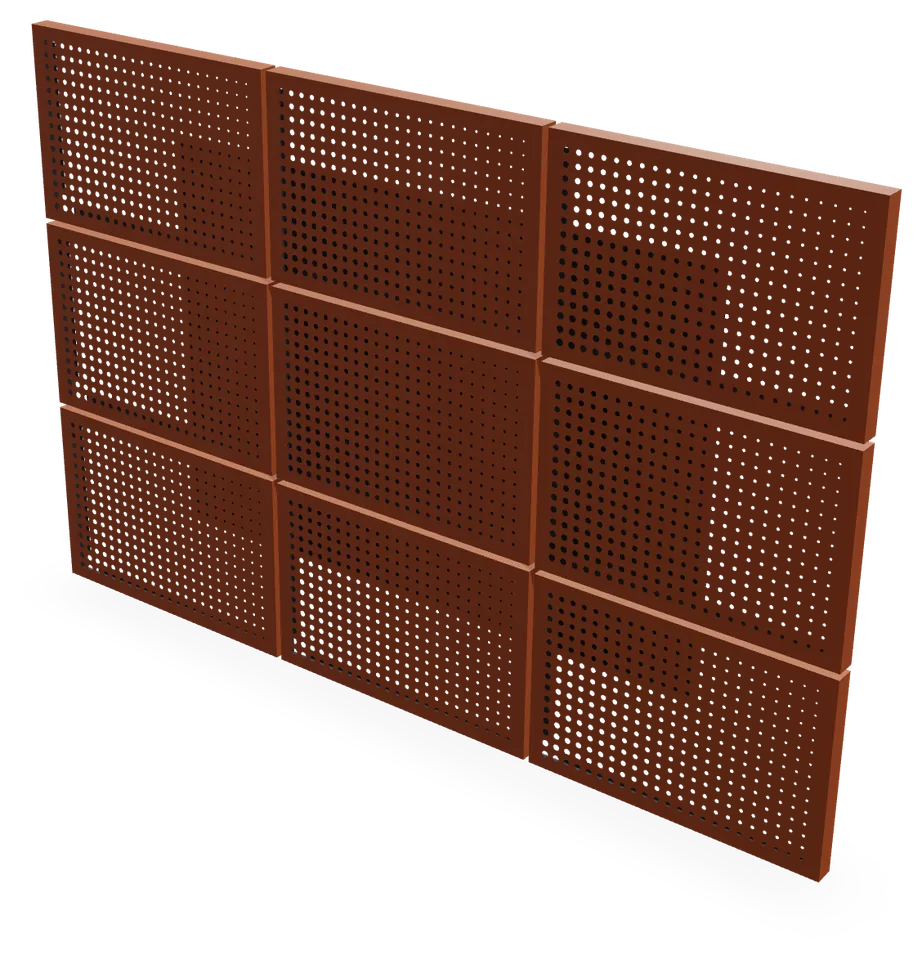 Perforated cassetteCorten look
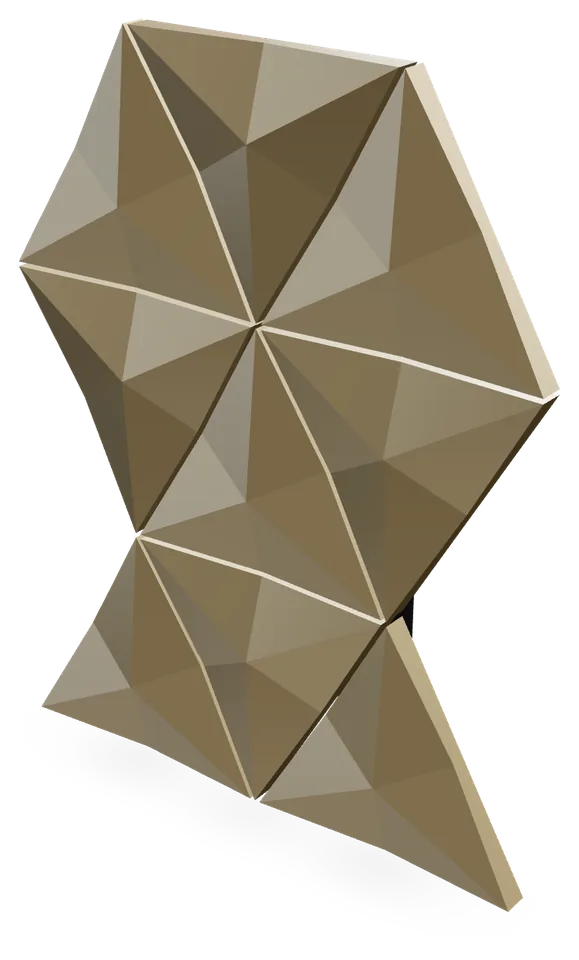 Starred triangular cassetteChampagne
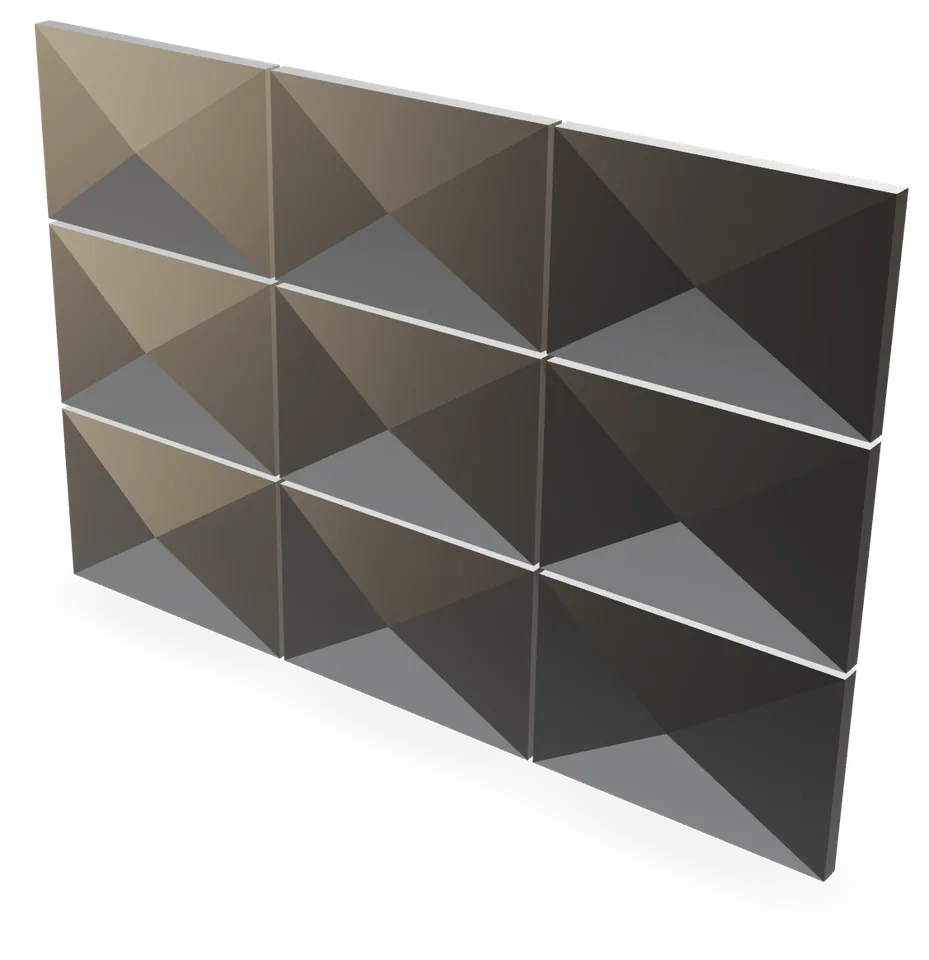 Diamond cassetteNatural anodised
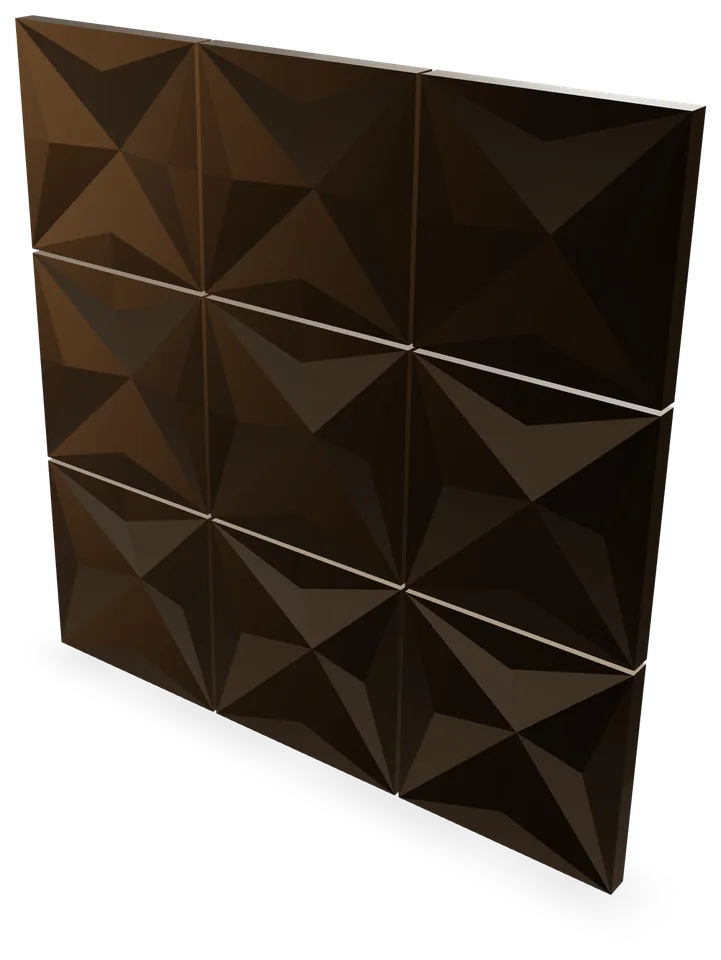 Carved star cassetteBronze anodised
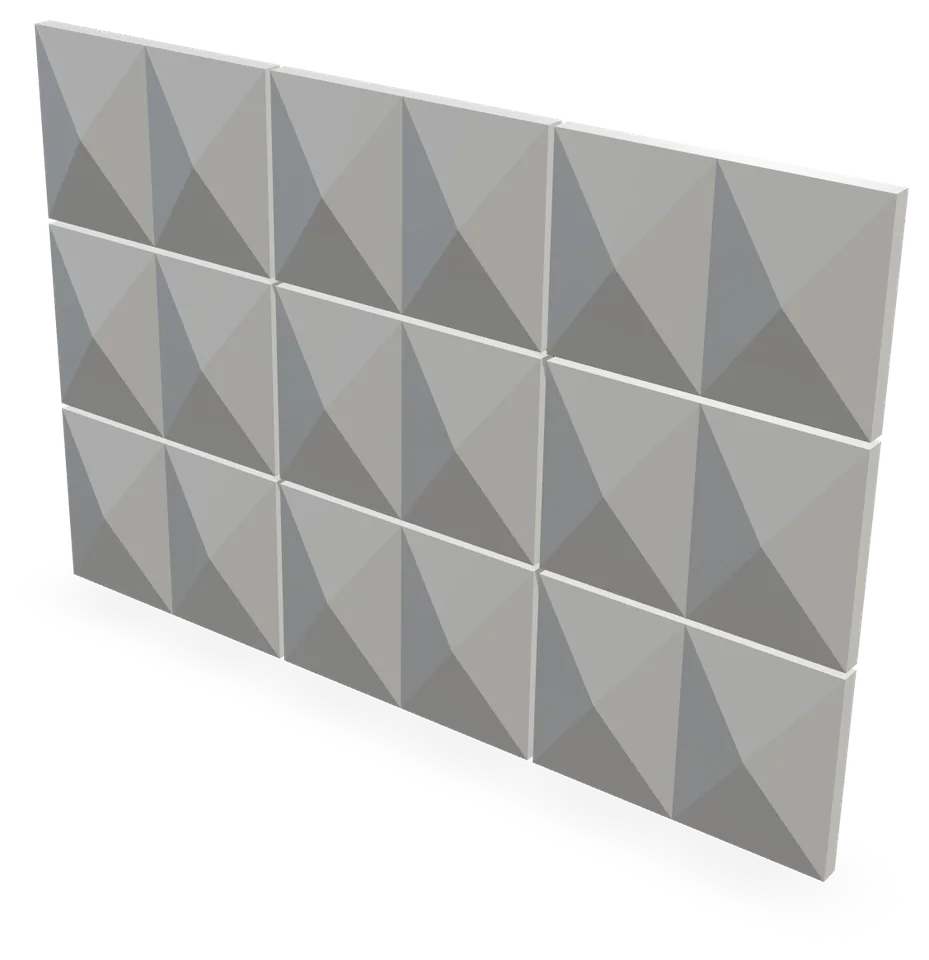 Twin diamond cassetteRAL 7035 light grey
What the machine receives
One DXF per part, in millimetres, seen from the back — ACM is grooved from the back. The outline on CONTOUR, each V-groove on the layer of its cutter, drills as circles on PERCAGE, marks in ASCII on REPERE. The operator reads the layer name and mounts the cutter.
- 0SEQEND
- 8CONTOUR
- 0POLYLINE
- 8RAINURE_90
- 661
- 700
- 100.0
- 200.0
- 300.0
- 0VERTEX
- 8RAINURE_90
- 10660.4655
- 20452.4917
- 300.0
- 0VERTEX
- 8RAINURE_90
- 10655.2306
- 2054.2509
- 300.0
- 0SEQEND
- …
The same pattern, drawn by the same engine: what is on screen is what goes to the machine.
Layers
- CONTOUR
- outline and cut-outs, closed polyline
- RAINURE_90
- V-groove axis, cutter 90° nominal
- RAINURE_100
- V-groove axis, cutter 100° nominal
- RAINURE_160
- V-groove axis, cutter 160° nominal
- RAINURE_AVANT_<n>
- groove from the visible face (concave folds)
- PERCAGE
- circles at exact diameter
- REPERE
- part and fold marks, ASCII
- COTATION
- dimensions, never machined
Four steps, in this order
- 01
Choose
A family from the catalogue: pyramid, slope, chevron, flat cassette, truss…
- 02
Set
Dimensions, relief height, returns, tabs, drills. The 3D view and the flat pattern follow live.
- 03
Check
The engine checks the pattern: faces, grooves, drills, sheet format. An error blocks the export.
- 04
Export
DXF R12 or R2000, cut sheet, nesting on 1220 × 2440 or 1500 × 3200 sheets.
What the engine refuses
A colliding pattern is never exported. Nothing is dropped silently: every lost or refused entity carries a code, shown in the studio and on the cut sheet.
FACE_OVERLAPblocks the exportOverlapping faces
Two faces share the same area of the flat pattern: the sheet would be wasted.
DRILL_IN_GROOVEblocks the exportDrill in a groove
A hole bites into a fold’s V-groove: increase the drill margin.
ASSEMBLY_OVERLAPblocks the exportAssembly collision
Two folded faces share the same plane and collide (adjacent tabs): shorten the tabs or enlarge the return.
CUTTER_UNAVAILABLEblocks the exportCutter not available
No cutter in the machine profile produces this fold angle.
One test piece, one measurement, and every DXF is to size
Every fold “eats” a fraction of a millimetre, different for your machine, your cutter and your panel. The studio measures it on a single test piece and then corrects it in all your files. It is optional: without calibration, your parts are accurate to about 1 mm.
1 test piece · 2 folds · 1 measurement
- 1
- Download the U-shaped test piece and cut it like a normal part.
- 2
- Fold it, then measure the middle face with a calliper, on the outside.
- 3
- Type the measurement: the studio states the gap plainly and corrects all your DXF.
Once per cutter and per thickness. Cutters used by a family and not yet calibrated are flagged in the studio.
39 families
Whole catalogueEach thumbnail is produced by the engine with the default parameters. None is drawn.
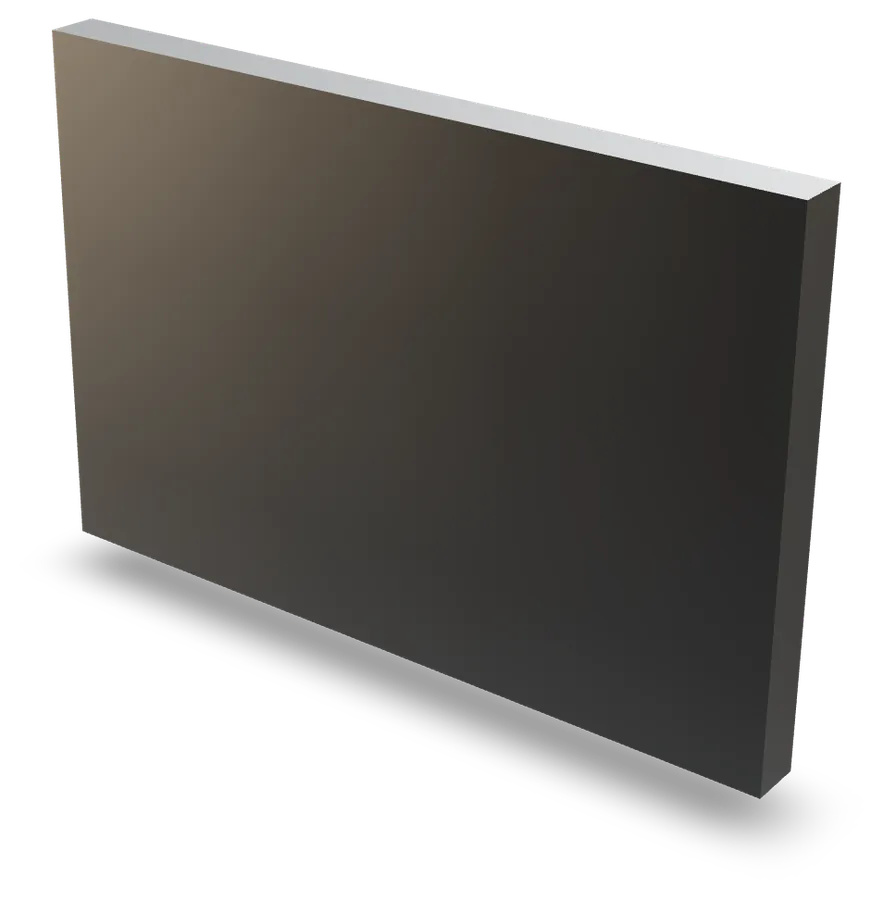 Flat cassette
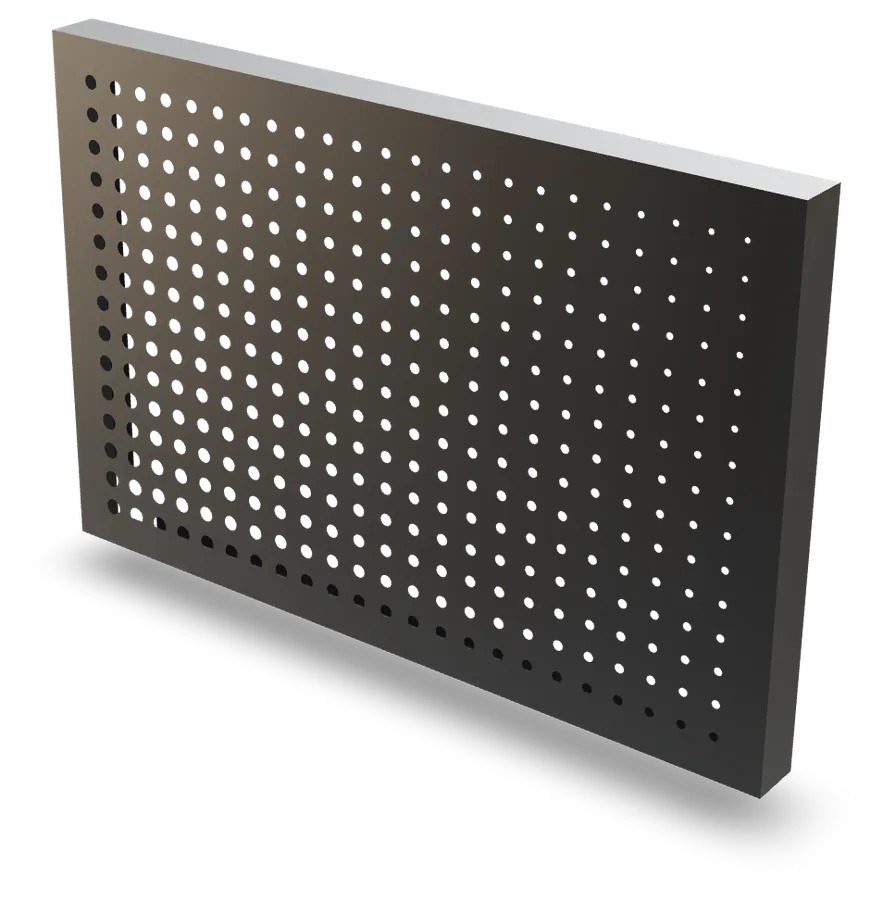 Perforated cassette
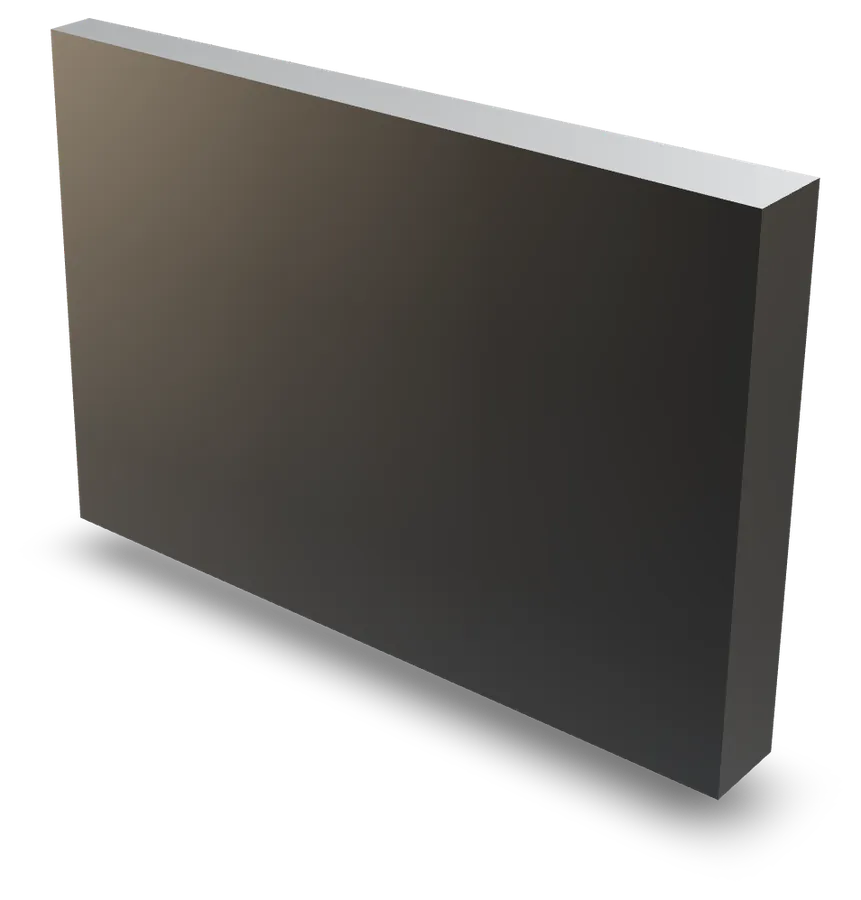 Single-slope cassette
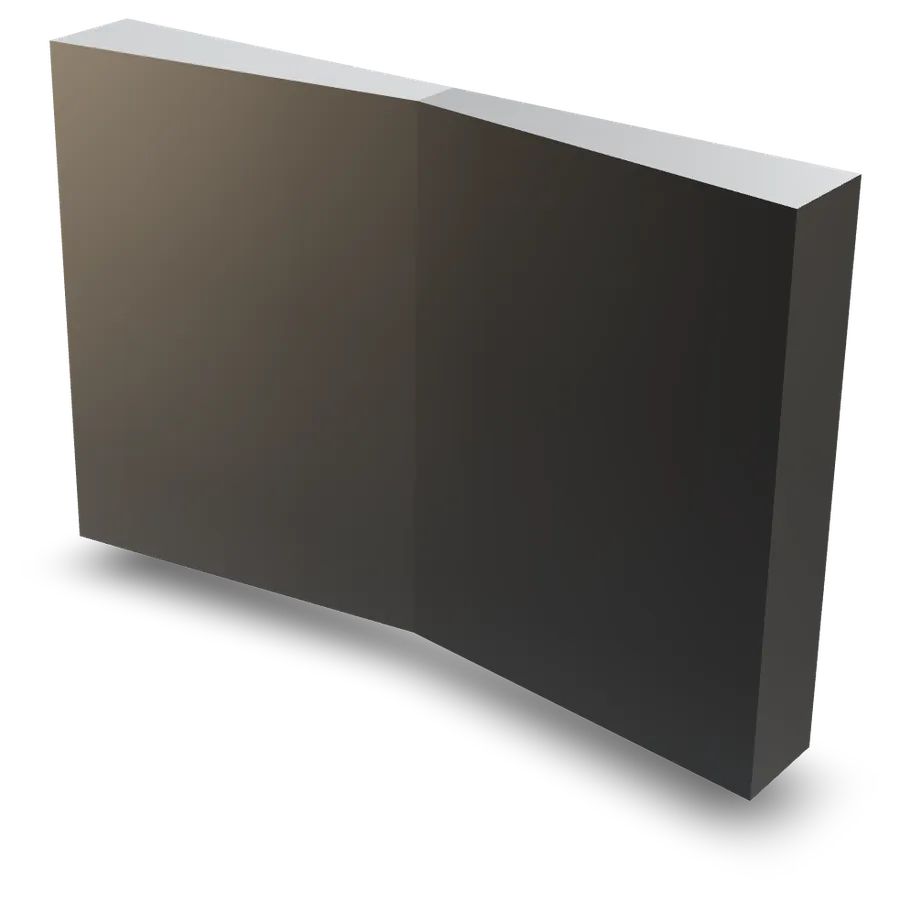 V cassette
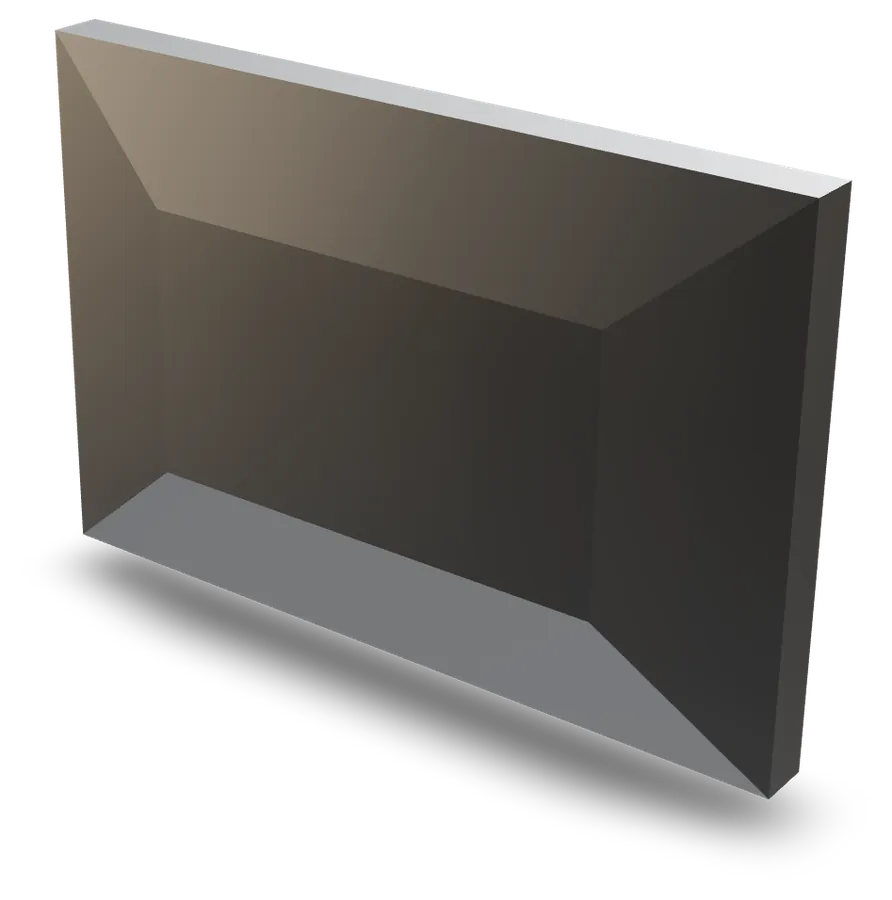 Truncated pyramid cassette
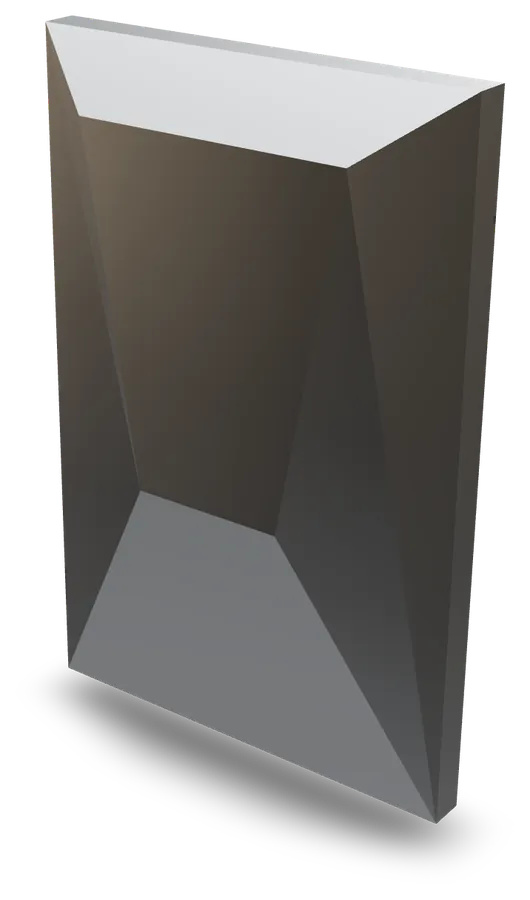 Trapezoidal plateau cassette
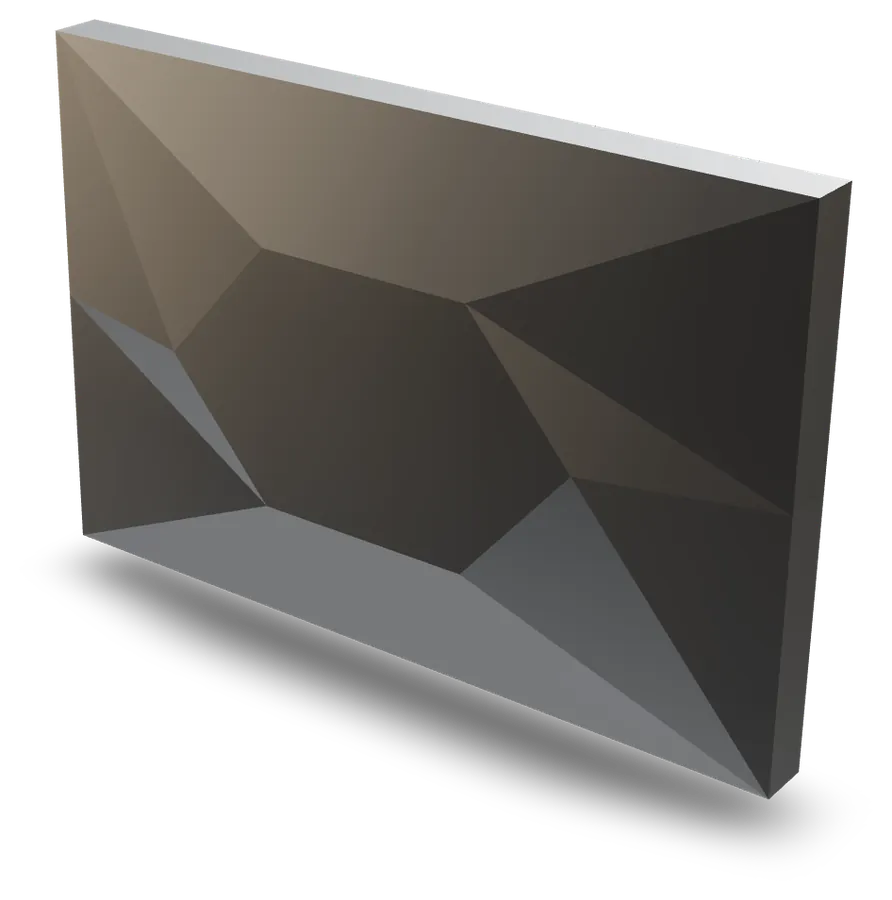 Hexagonal plateau cassette
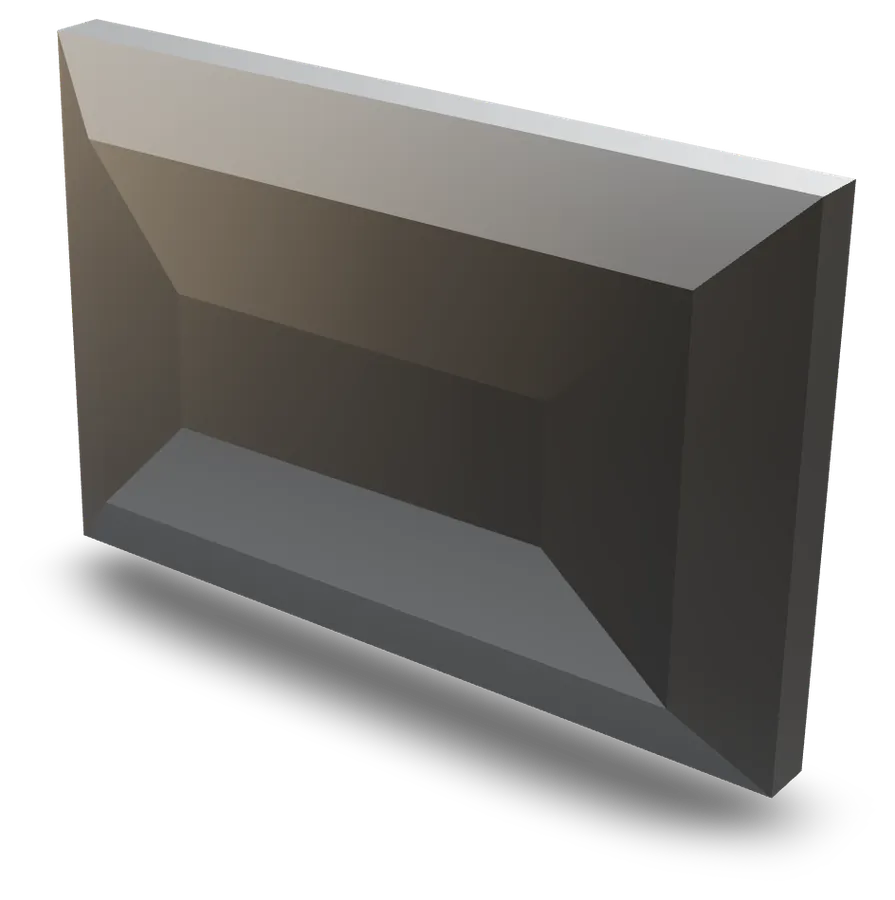 Mansard pyramid cassette
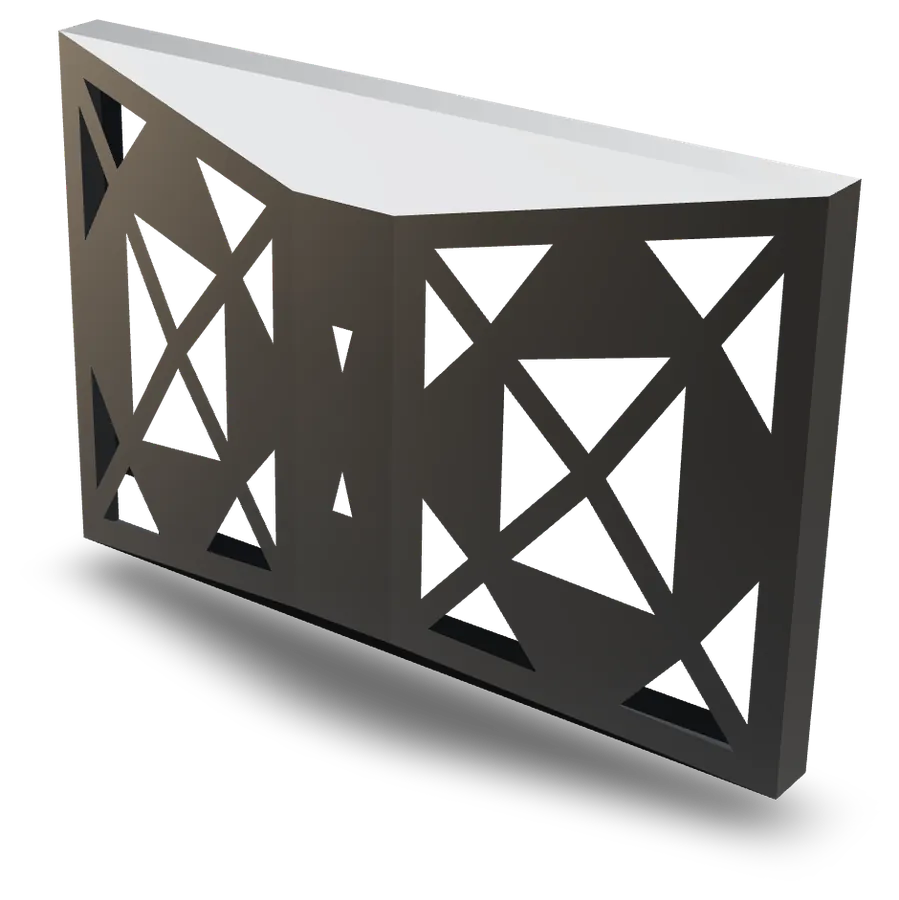 Perforated trapezoidal prism
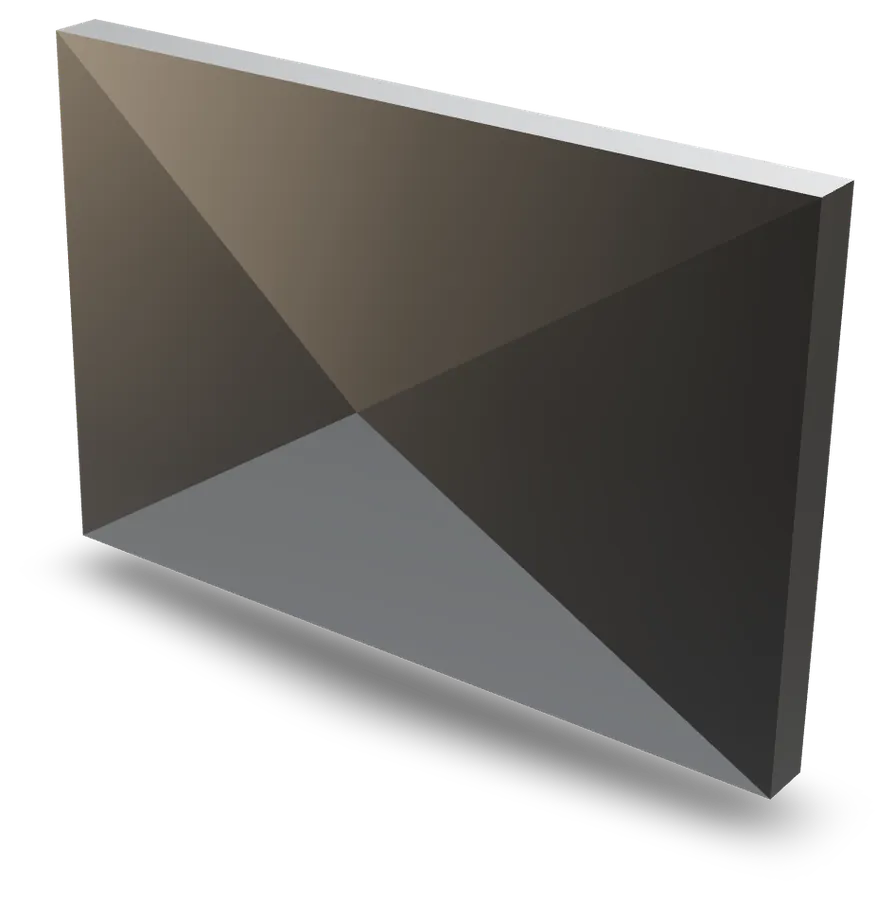 Diamond cassette
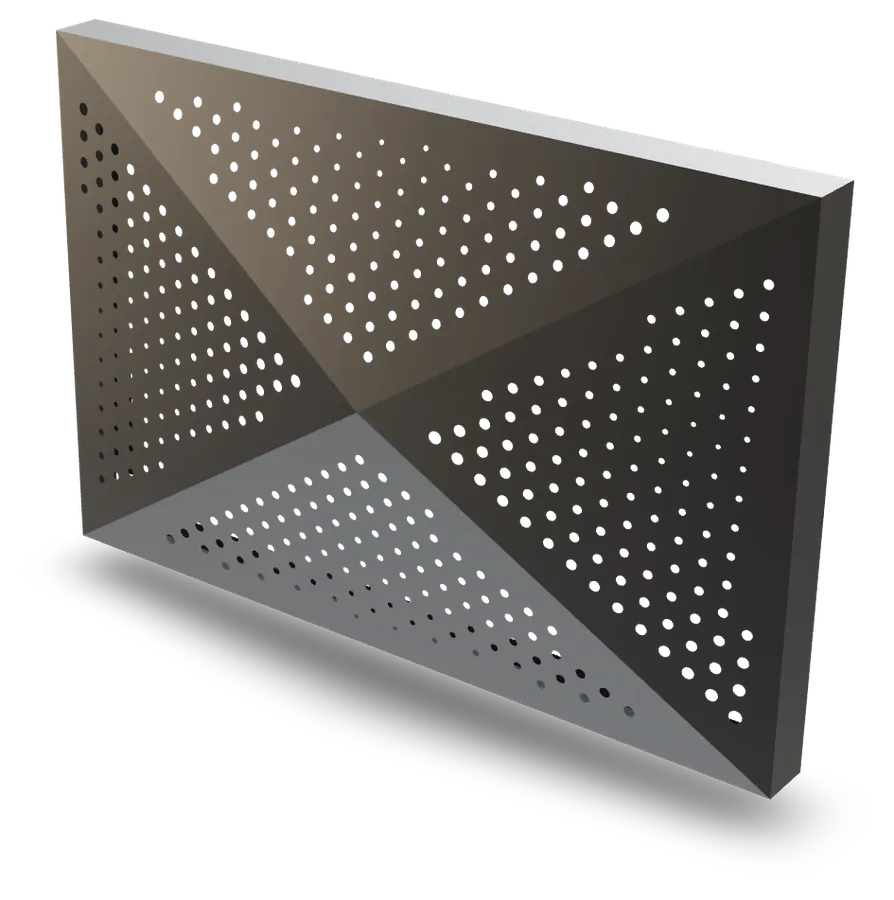 Drilled diamond cassette
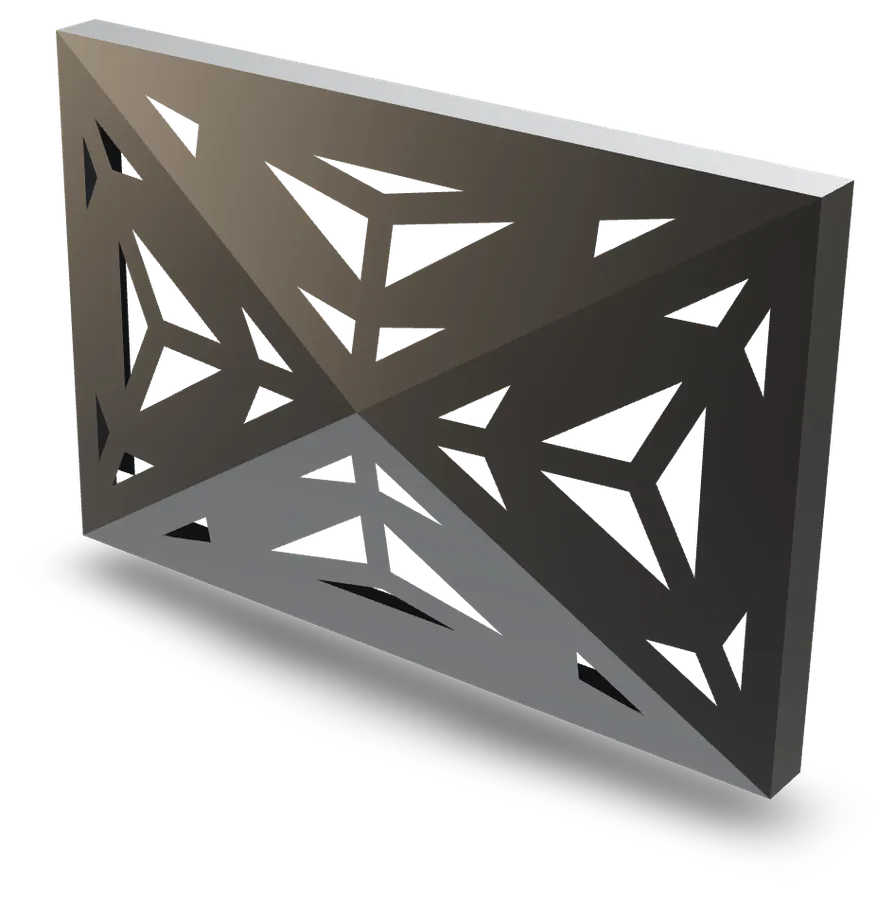 Perforated diamond cassette
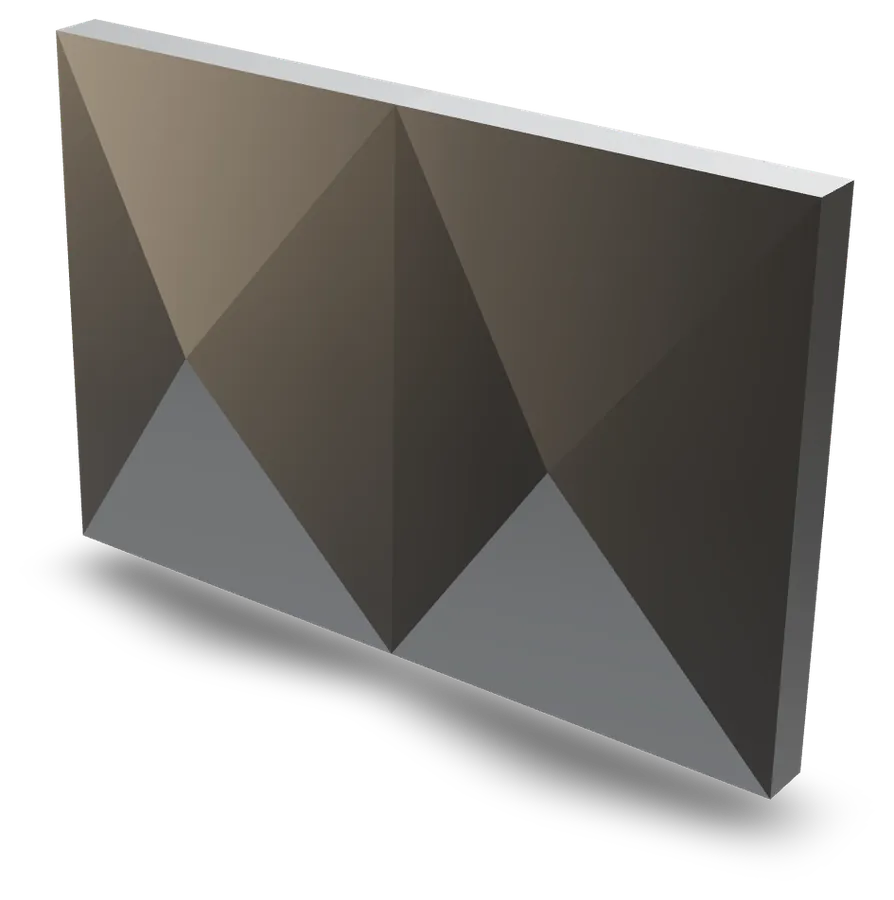 Twin diamond cassette
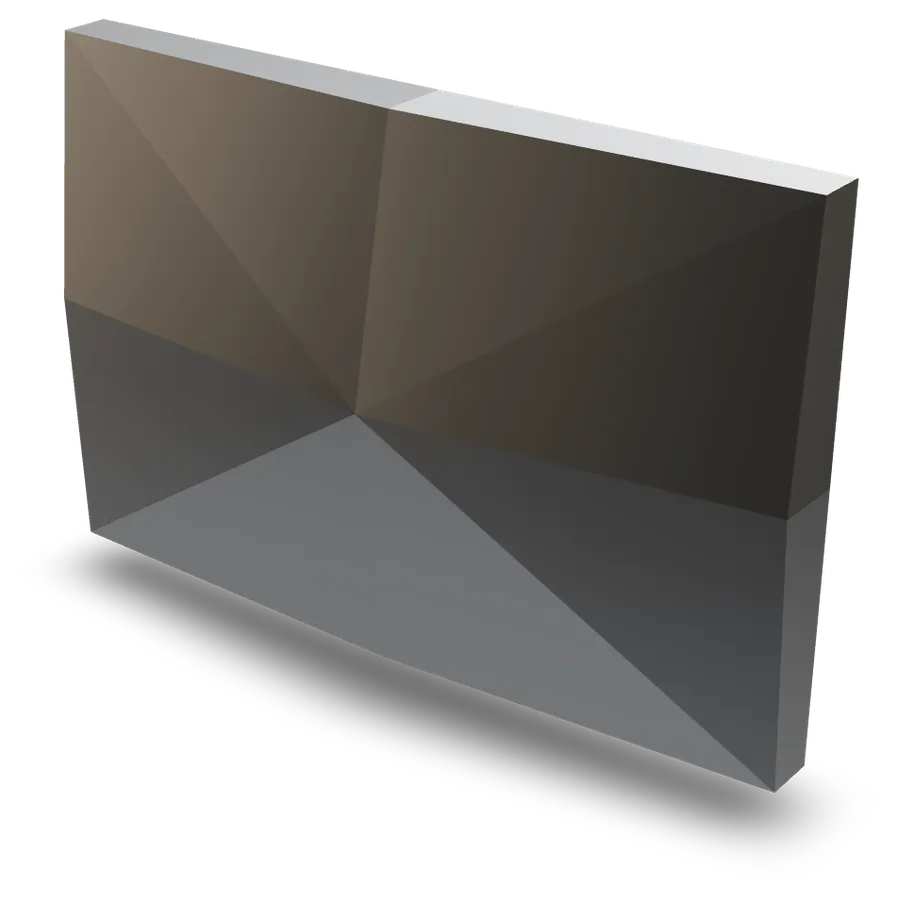 Eight-facet pyramid cassette
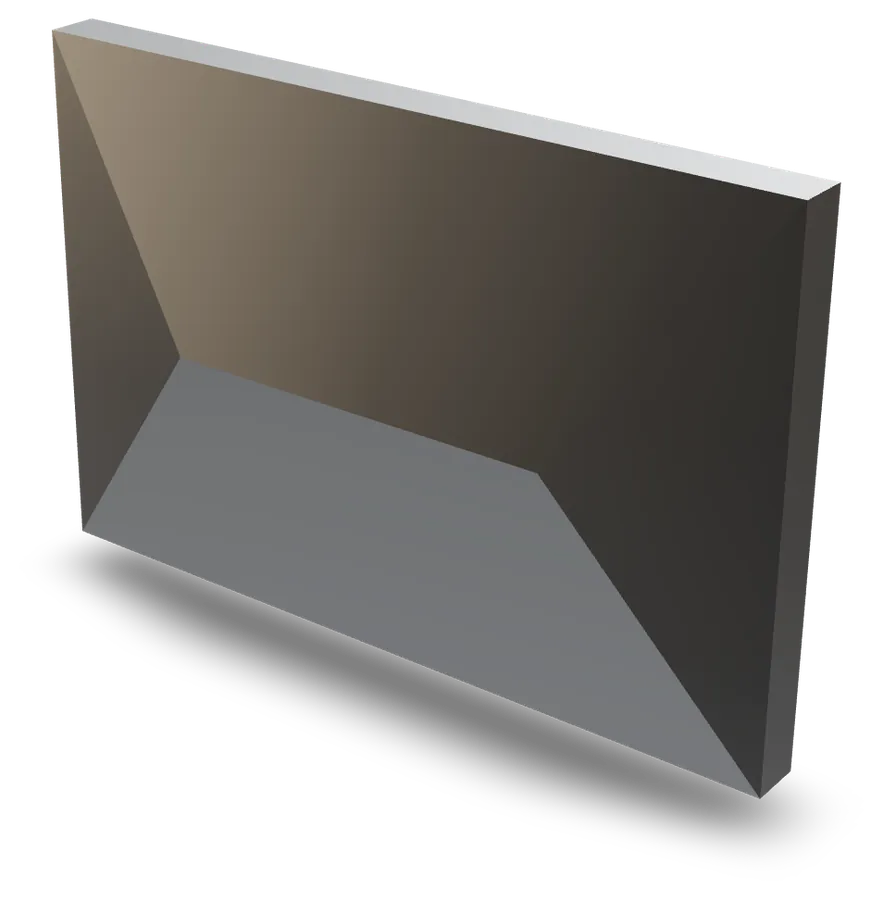 Ridge cassette
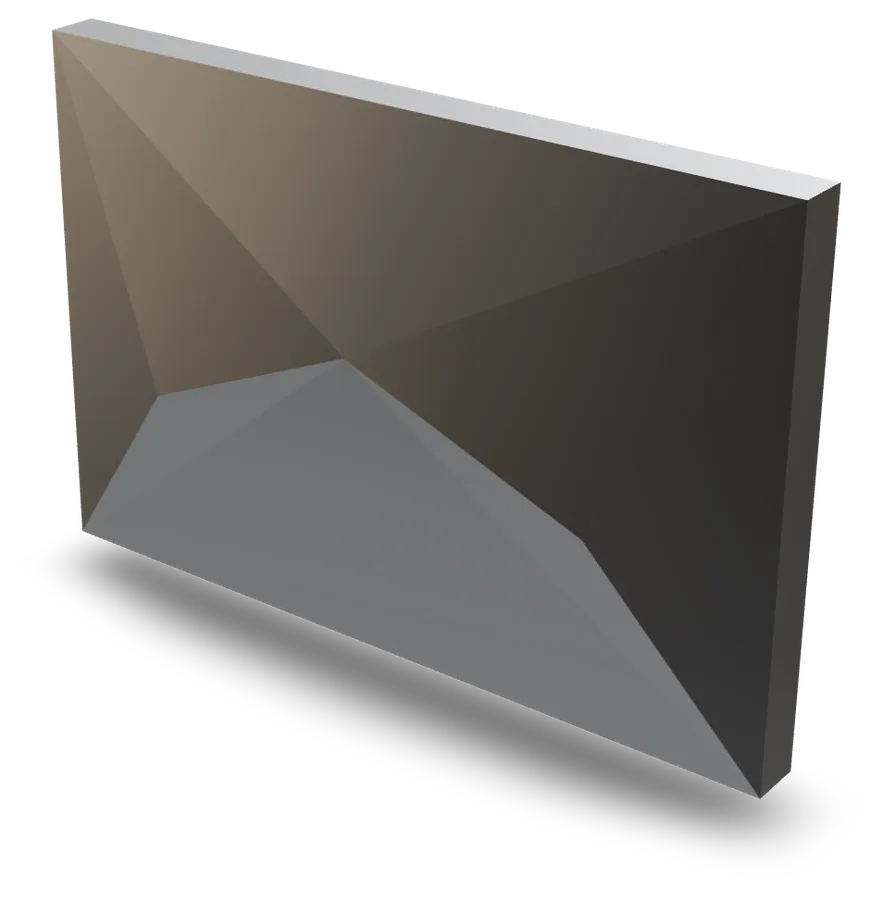 Chevron cassette
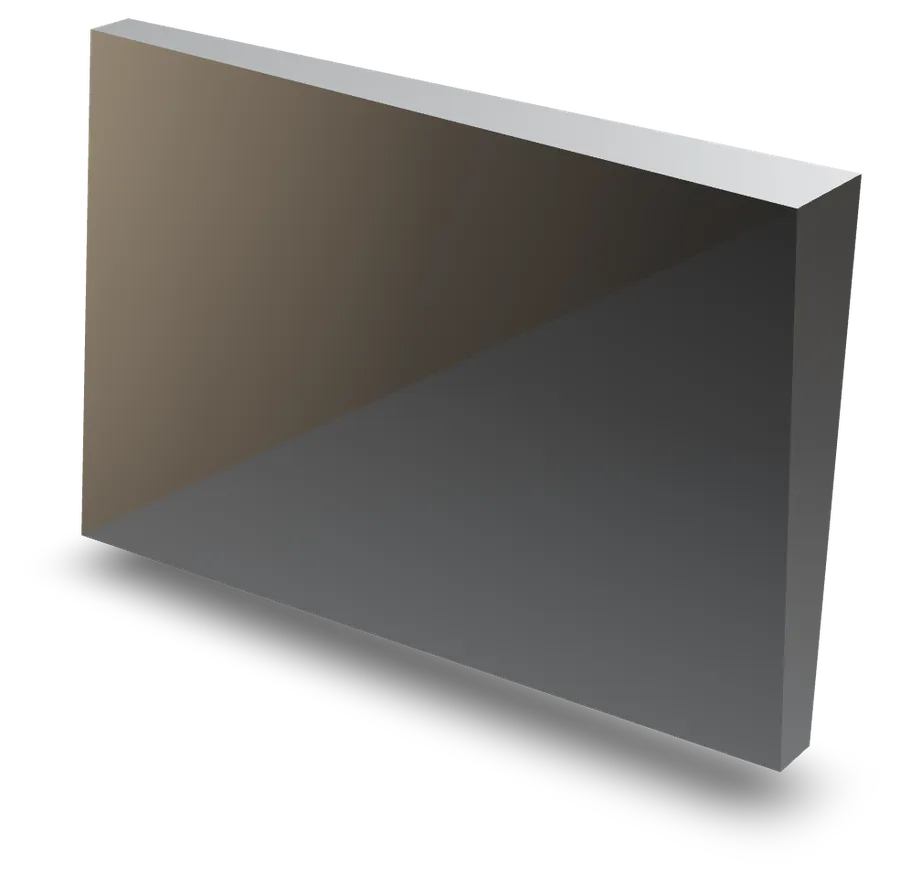 Diagonal-fold cassette
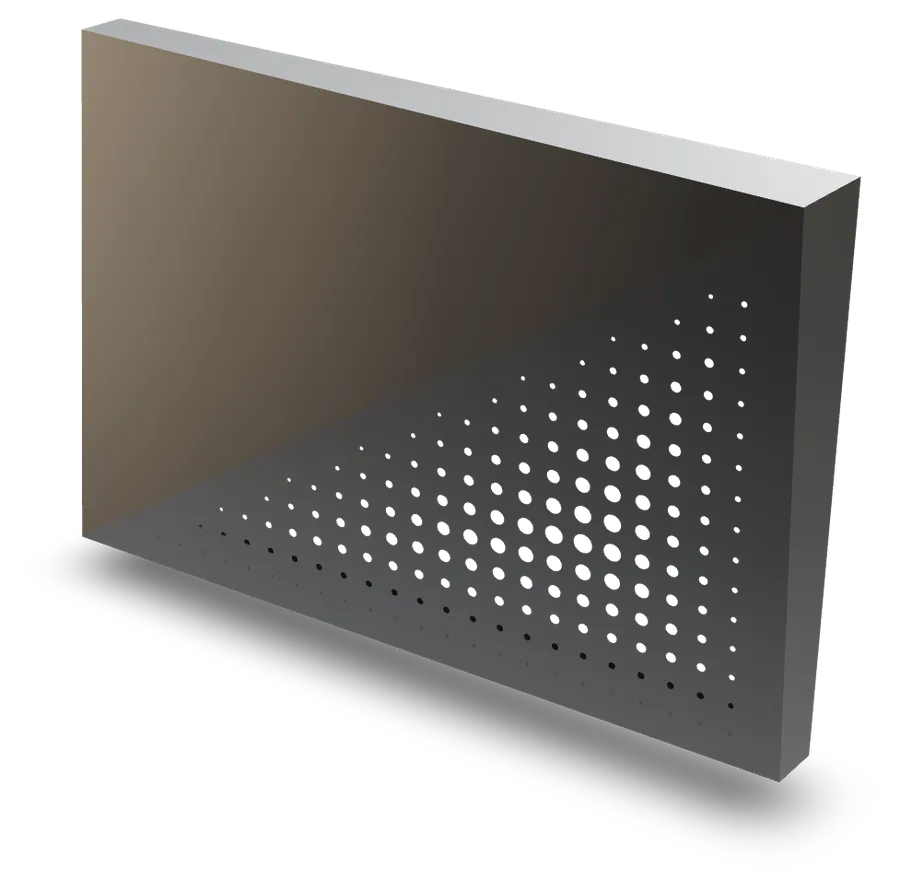 Perforated diagonal fold
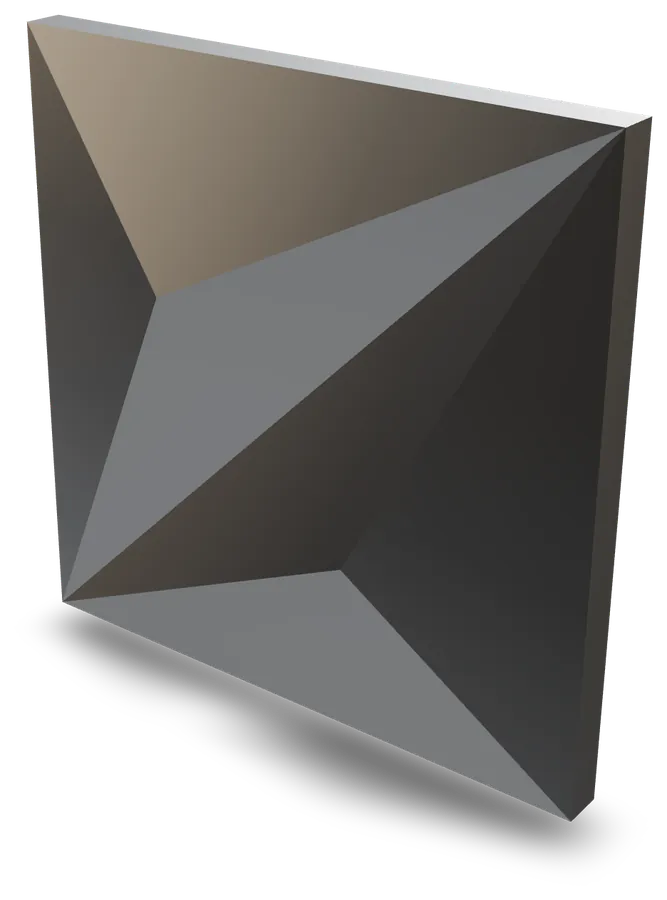 Twin diagonal slope cassette
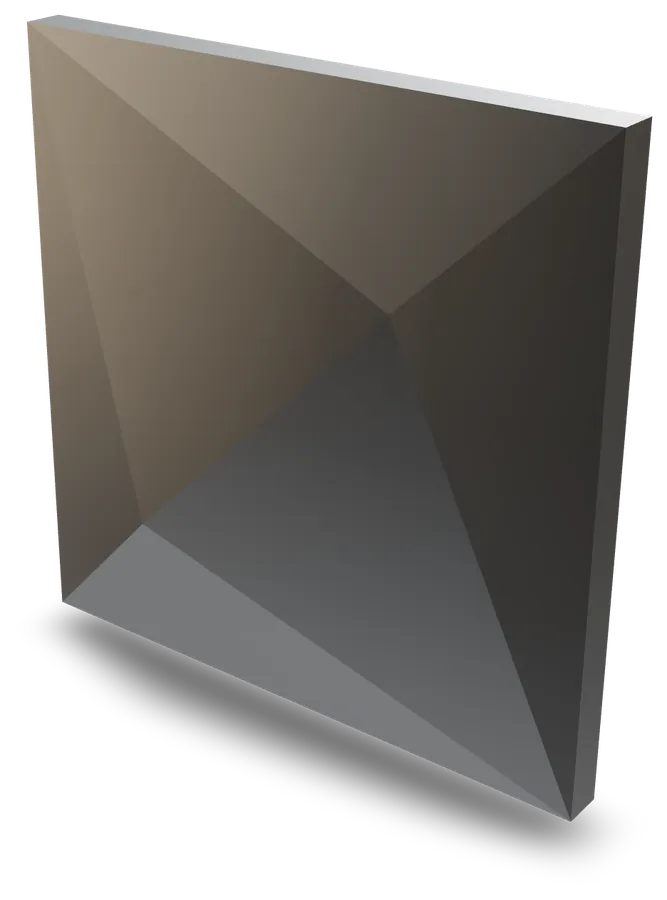 Diagonal ridge cassette
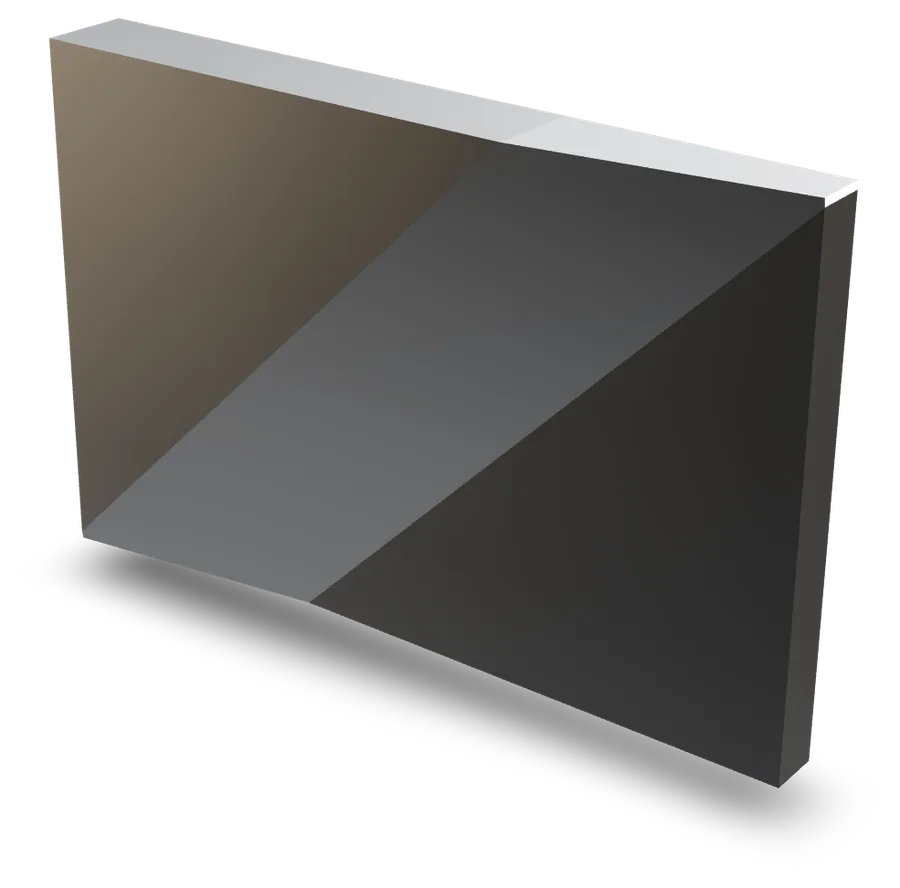 Diagonal band cassette
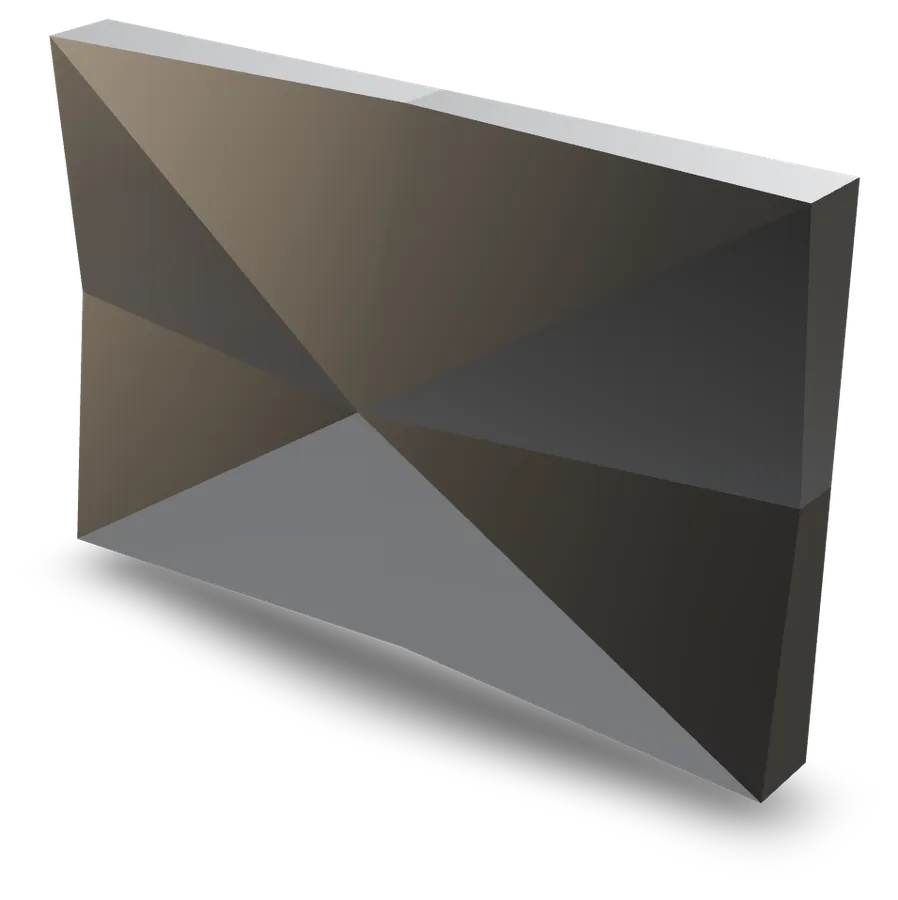 Star cassette
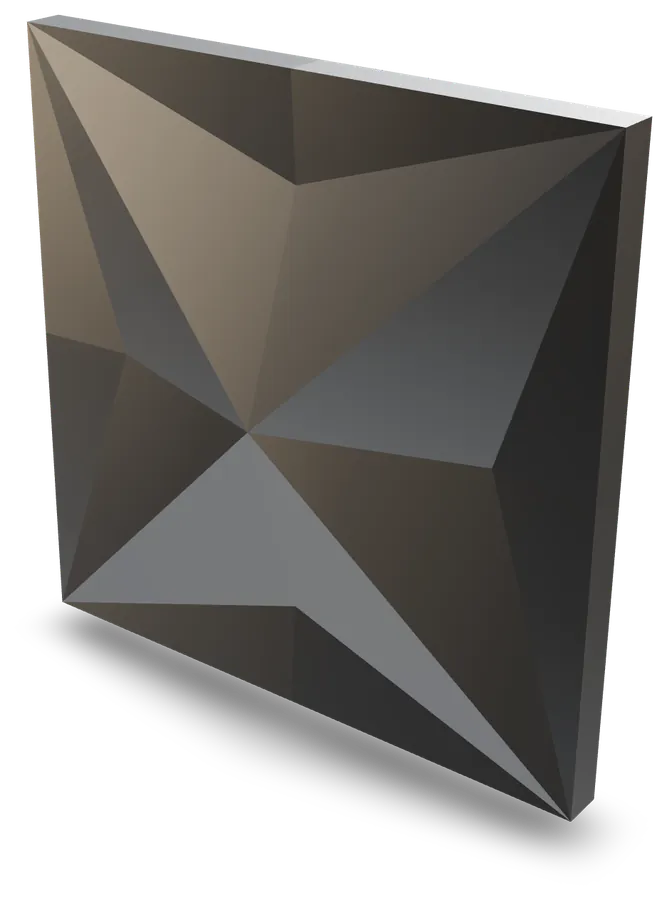 Four-notch star cassette
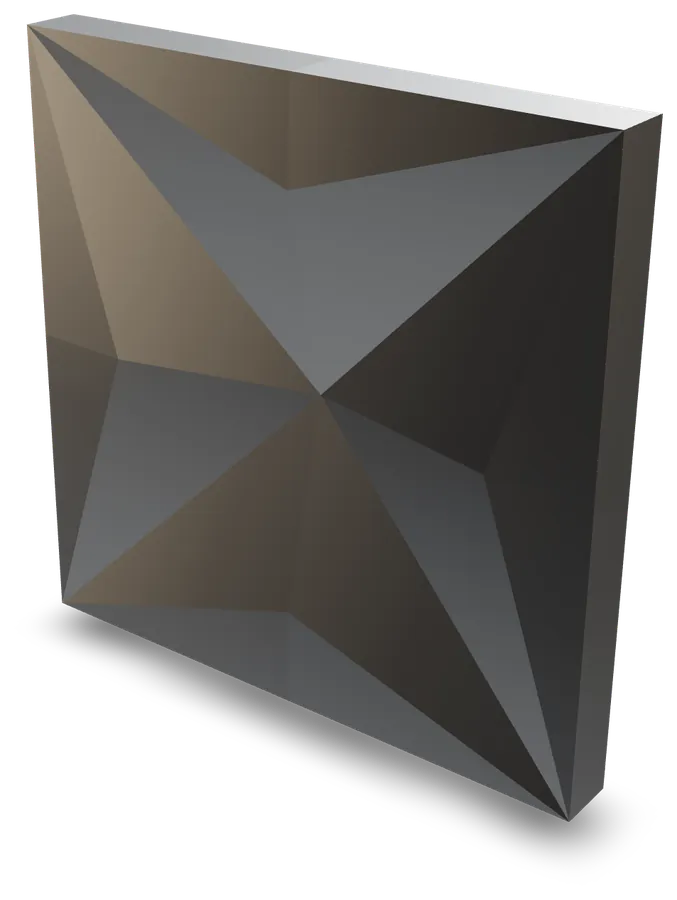 Carved star cassette
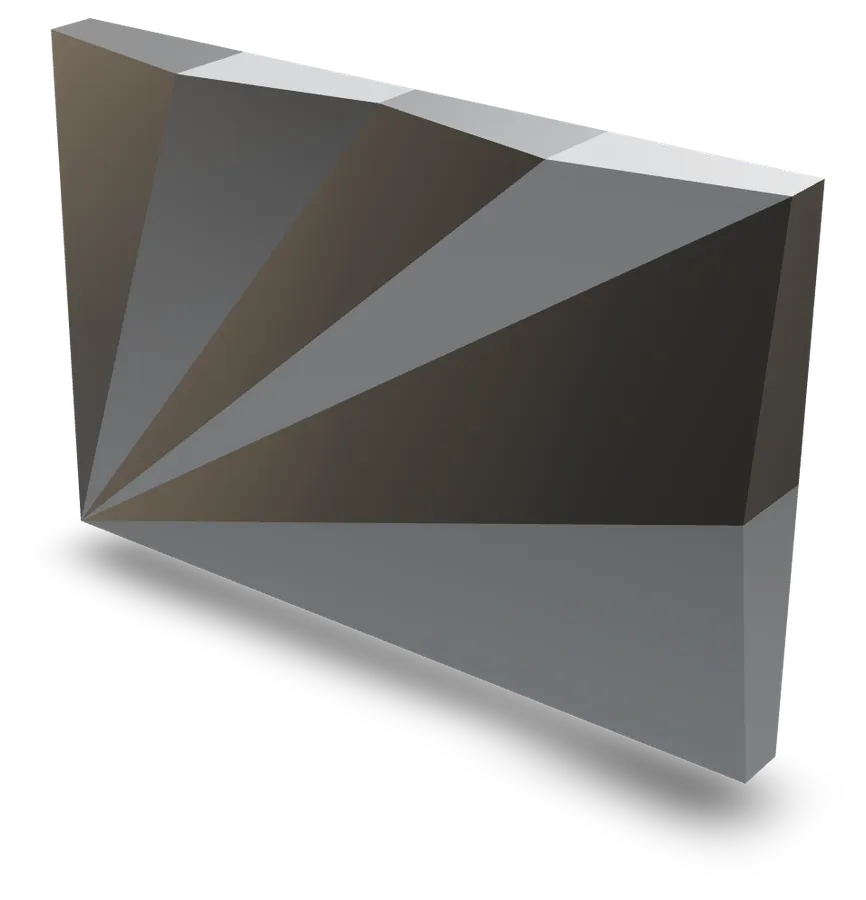 Fan cassette
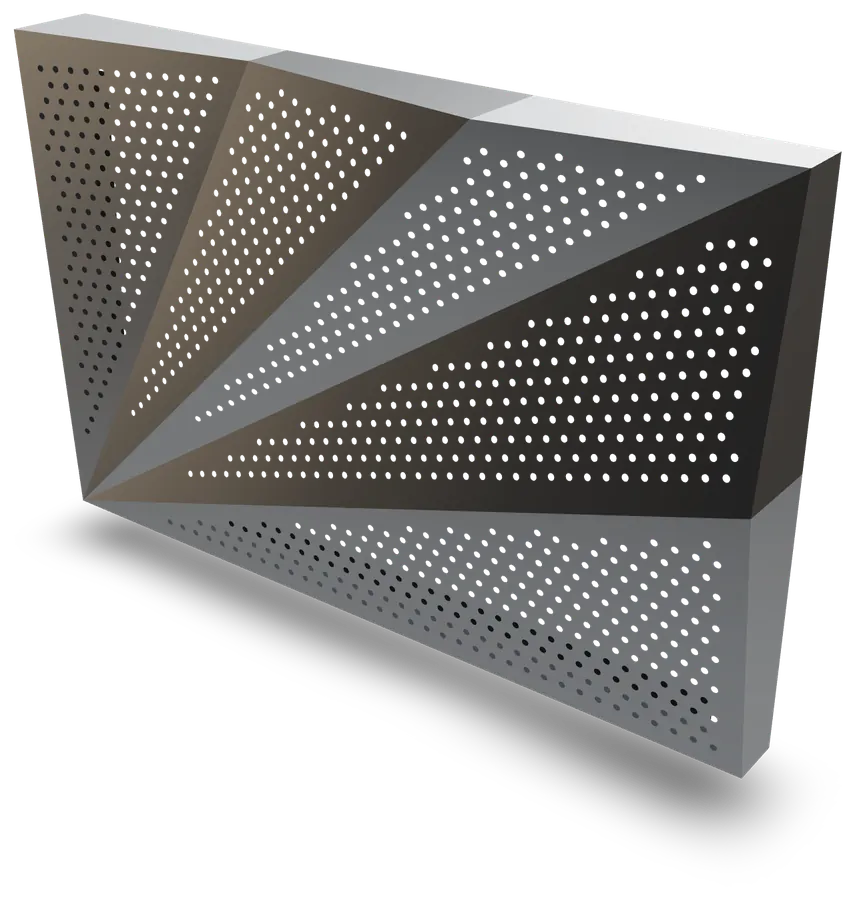 Perforated fan cassette
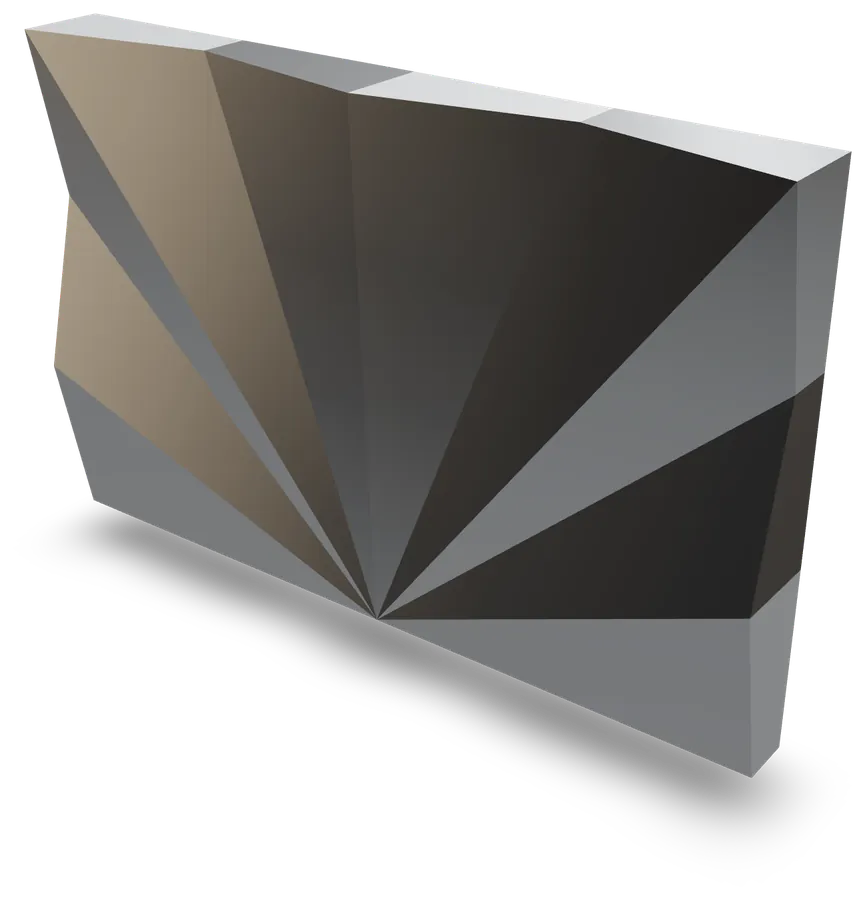 Sunburst fan cassette
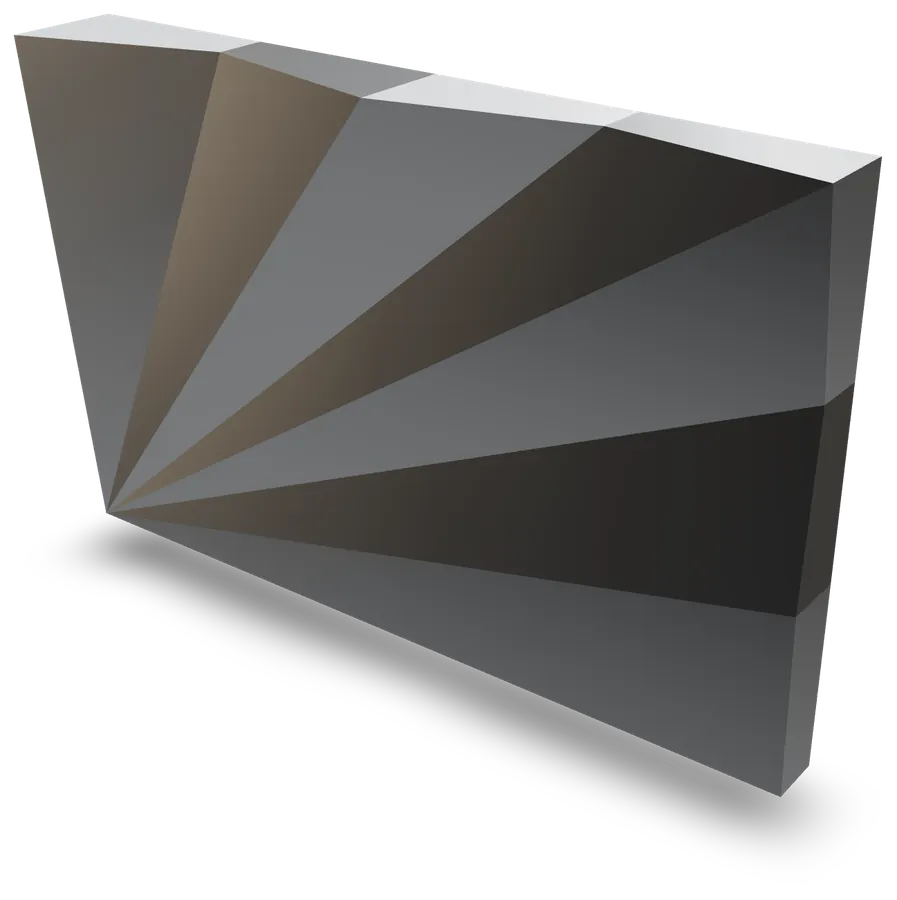 Graduated fan cassette
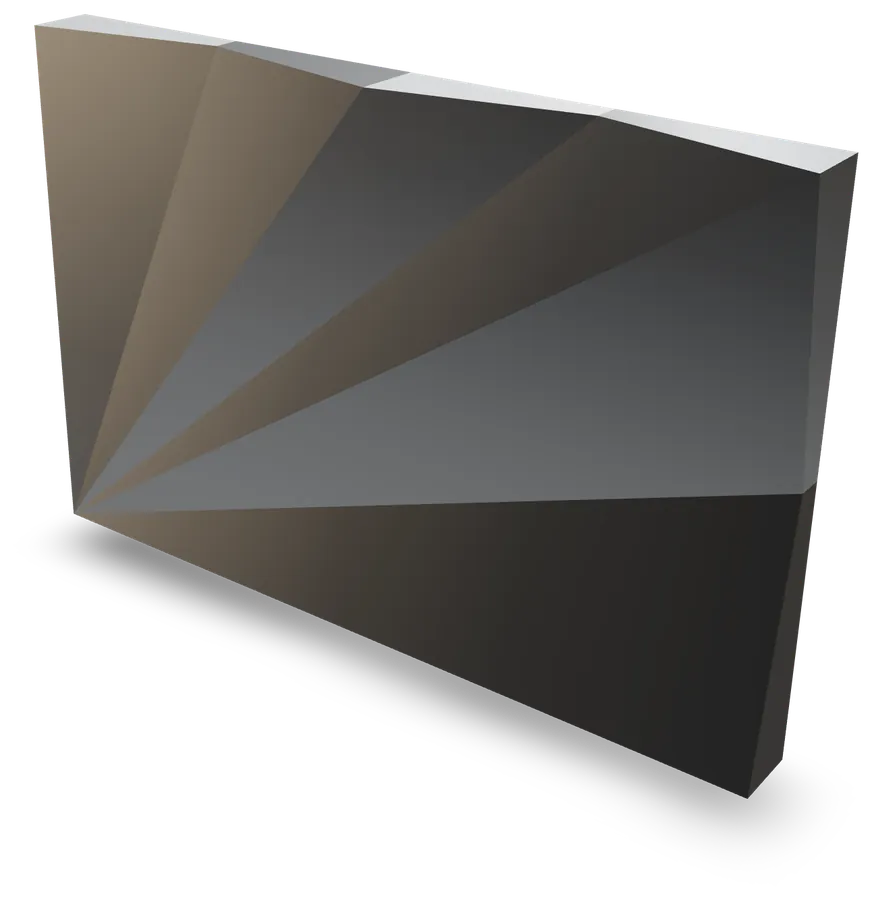 Carved fan cassette
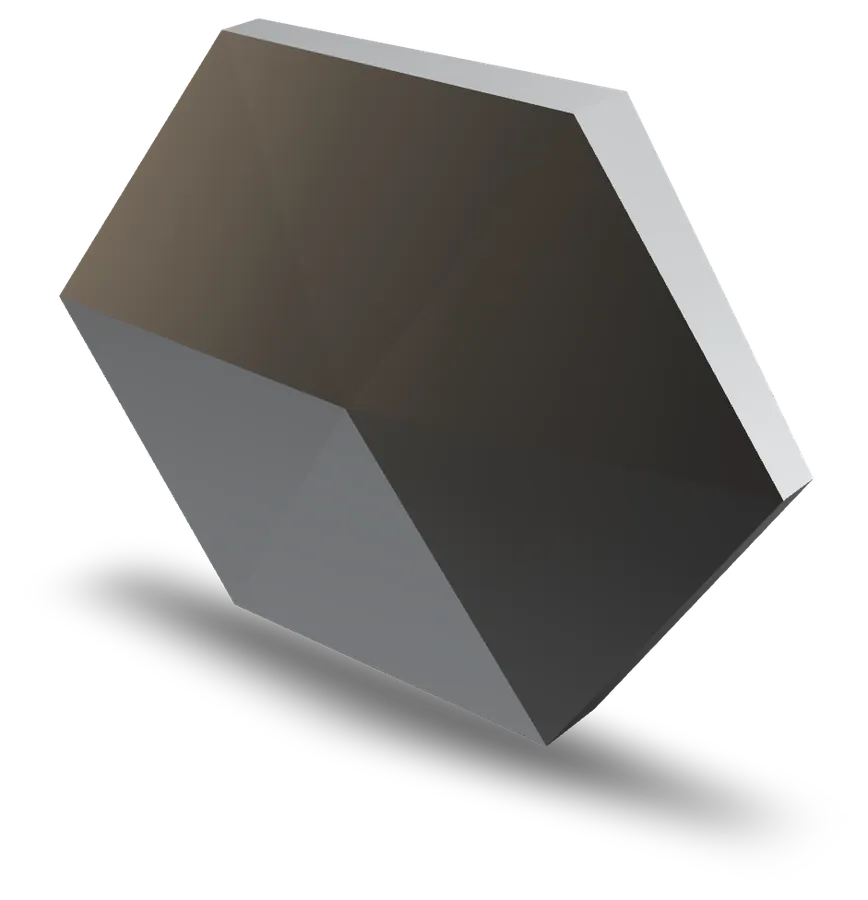 Faceted hexagonal cassette
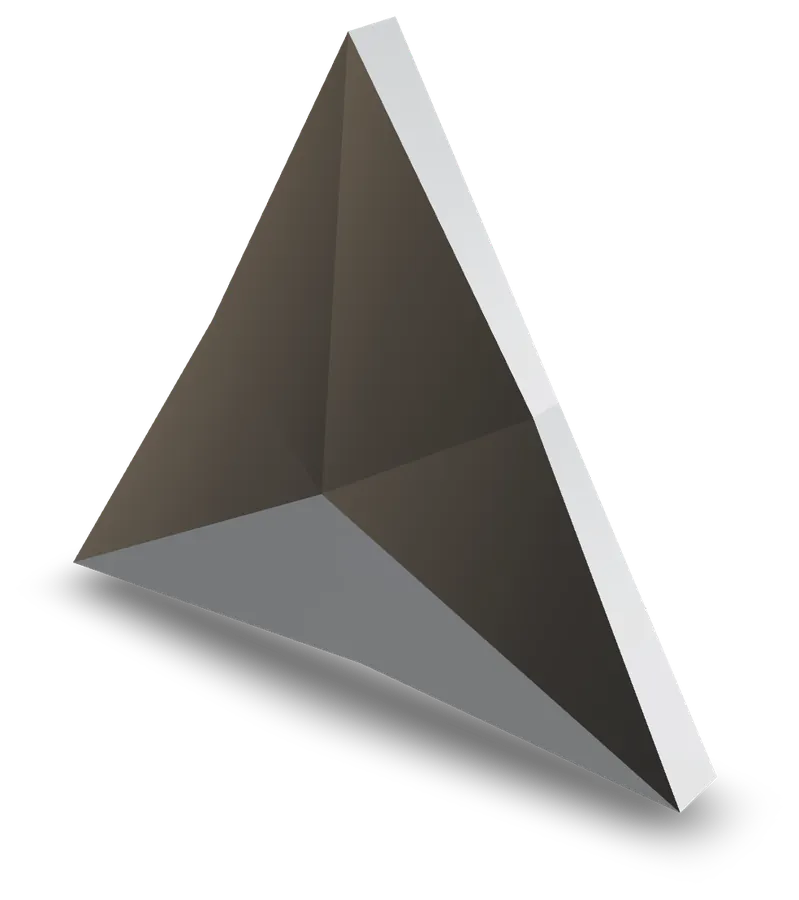 Starred triangular cassette
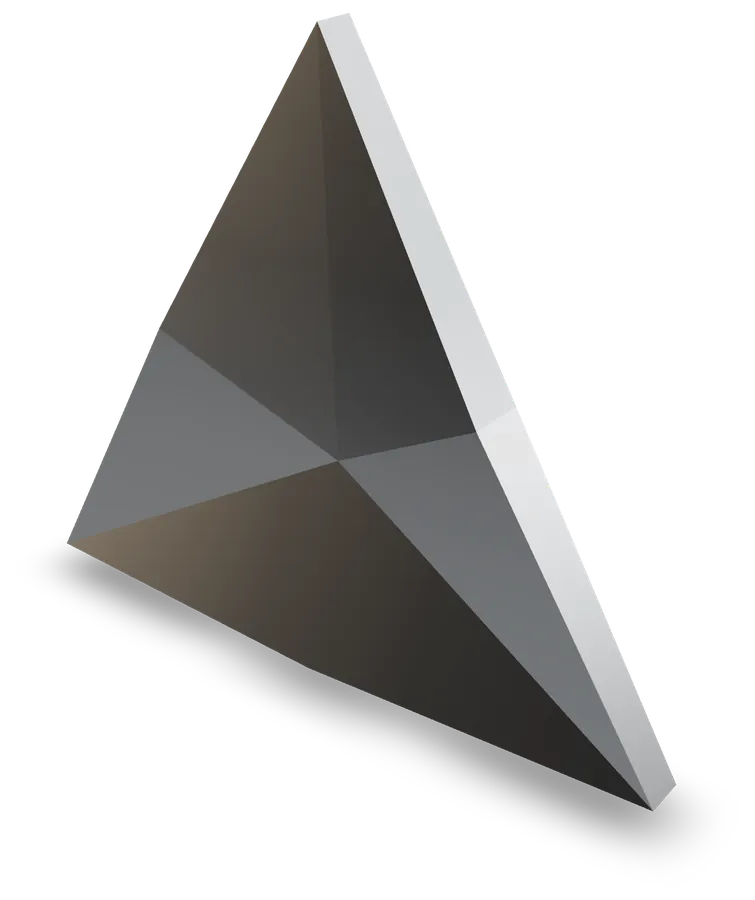 Carved starred triangular cassette
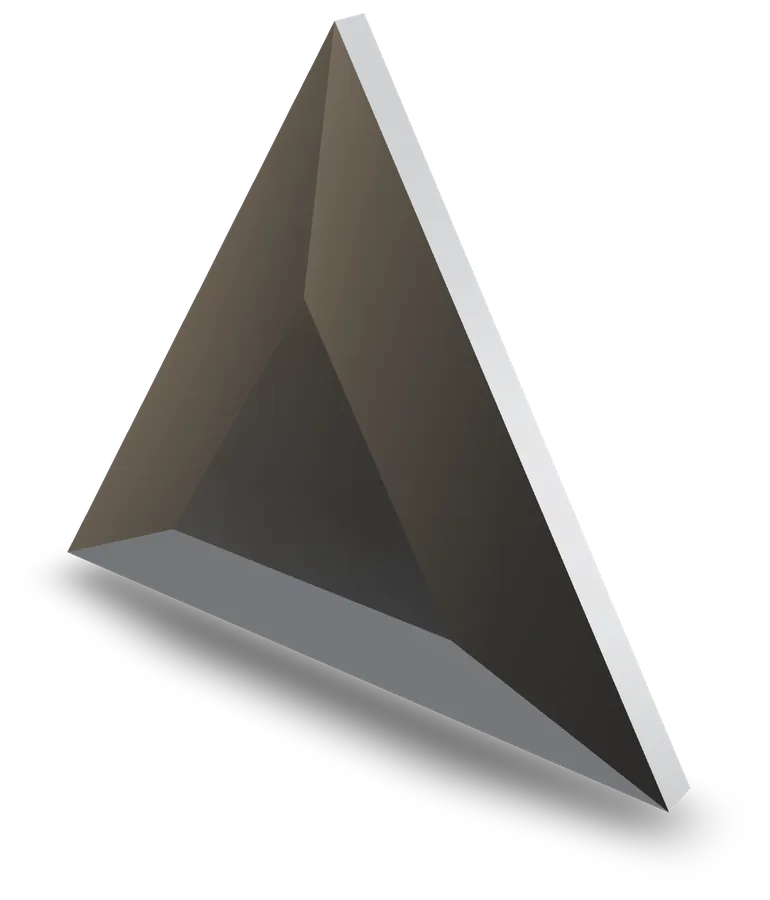 Triangular plateau cassette
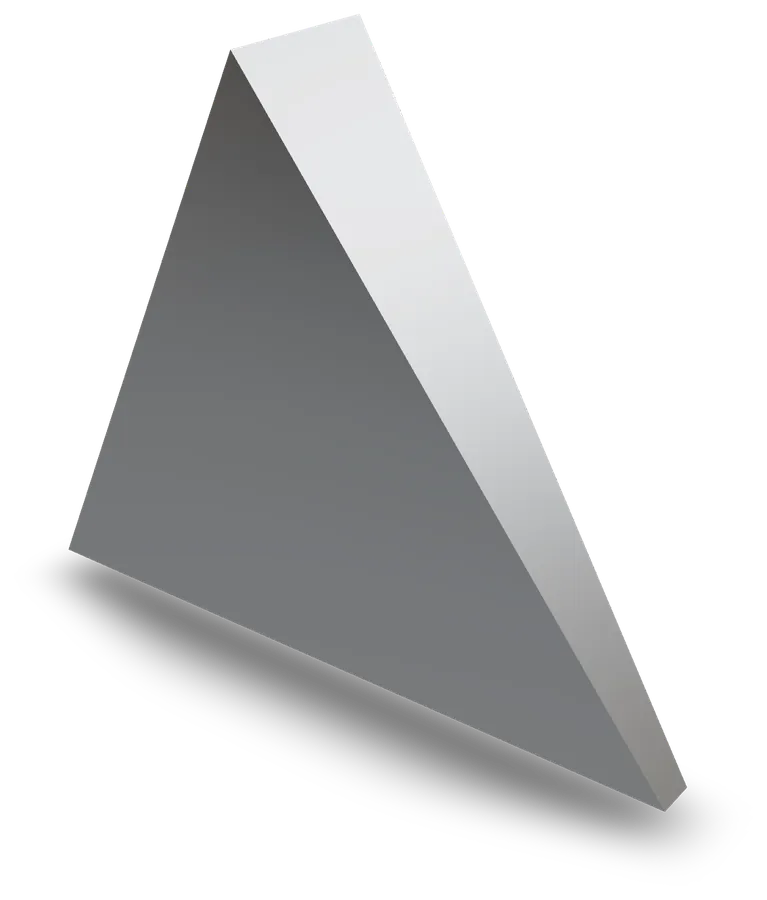 Sloped triangular cassette
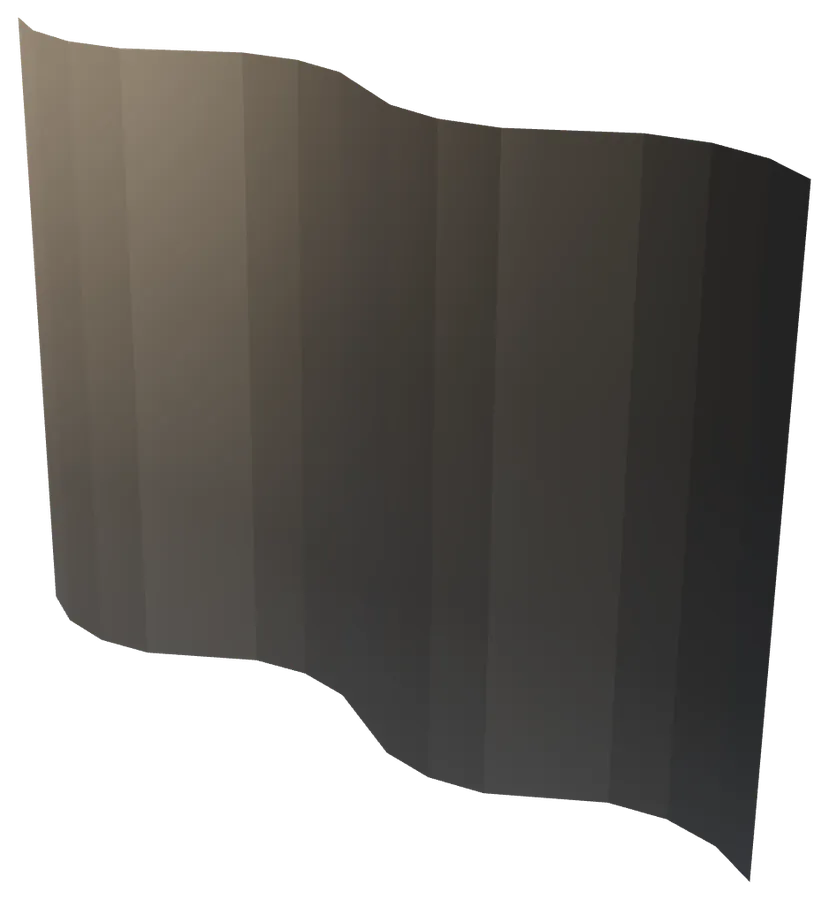 Faceted wave
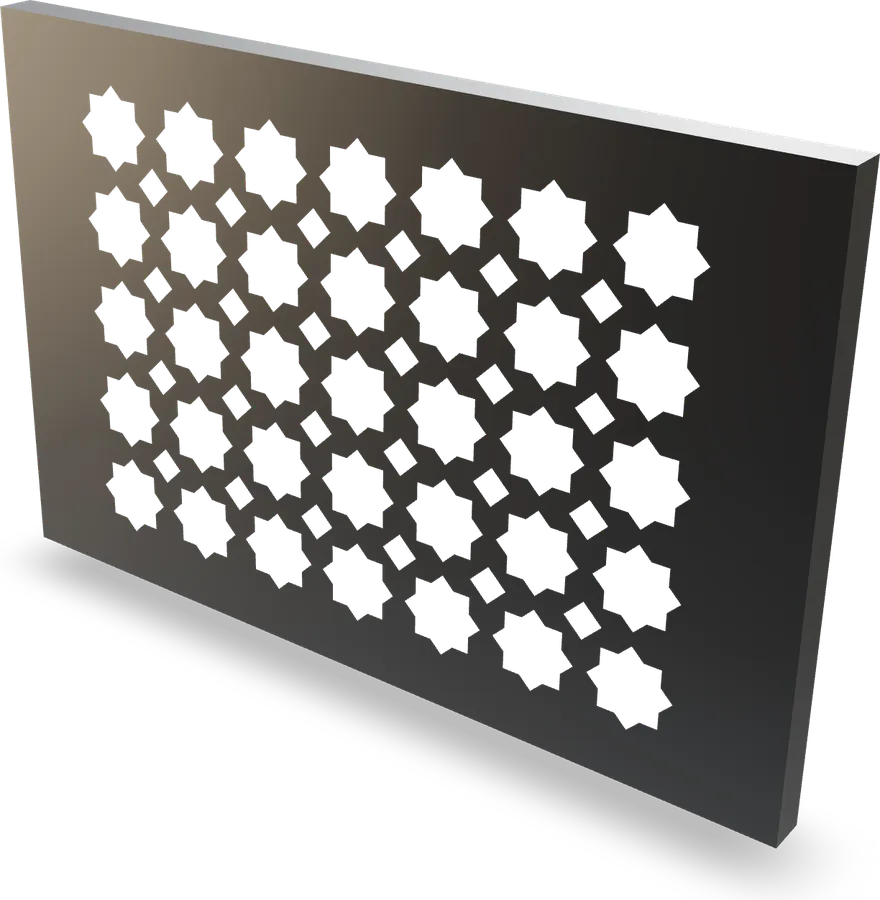 Mashrabiya screen cassette
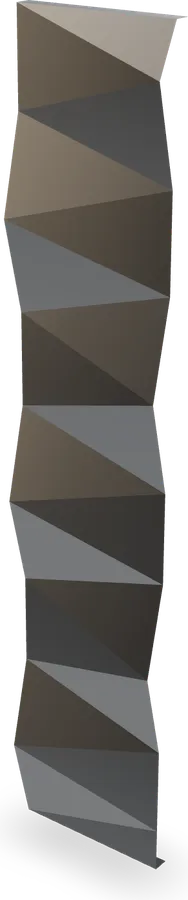 Folded ribbon
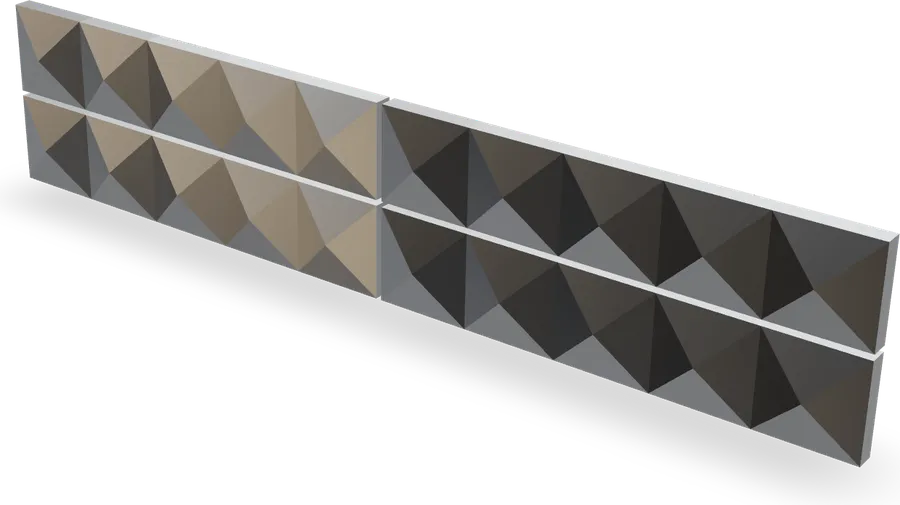 Pyramid mosaic panel
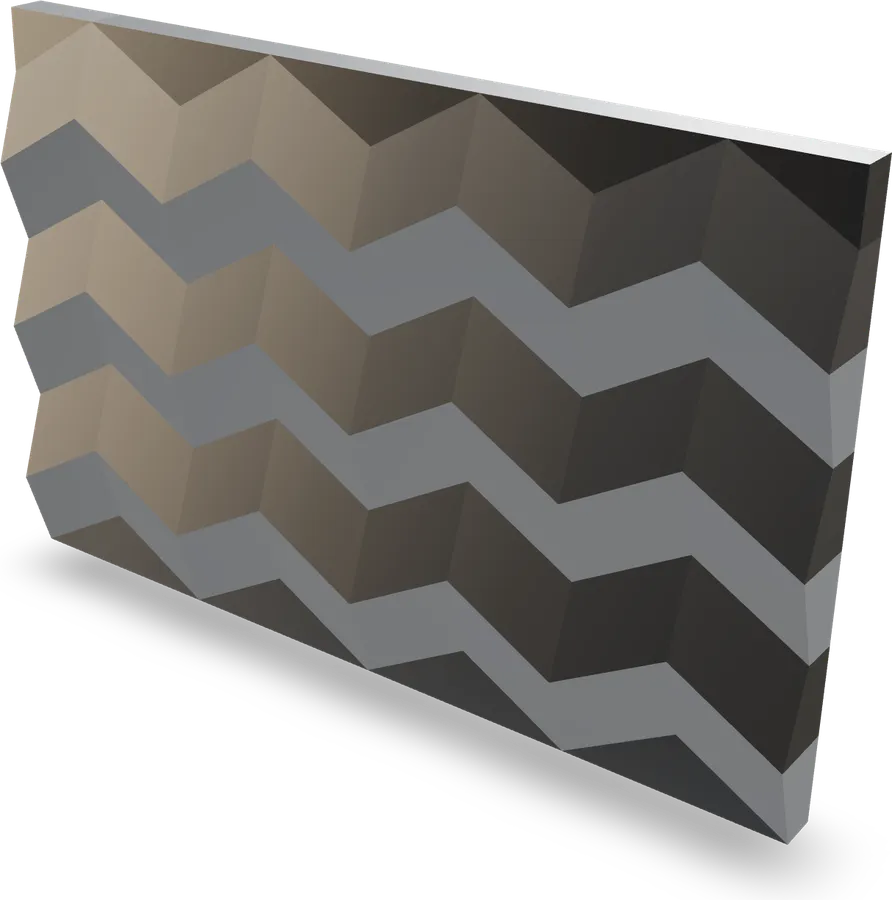 Miura fold panel
Pay for the file, not the trial
Everything can be set up and checked for free. What you pay for is the DXF that goes to the machine.
Discovery
€0
To set up, check and show.
24-hour pass
€9once
One job, one day.
Pro
€29/ month
or €290 a year — 2 months free
Who it is for
Cutting and folding workshop
You receive 3D façades and you have to get sheets out. The DXF arrives by layer, with the cutter named in the layer.
Façade engineering office
You quote and you check. Cut sheet, nesting, manufacturing constraints written in plain words on every family page.
Architect
You design a façade in relief. You try the families and send the workshop a link that holds the configuration.
Workshop questions
Do I need an account?
To export, yes: a free account gives 3 DXF a month on the free families. The 3D view, flat pattern, diagnostics and augmented reality open without an account, and the 24-hour pass is paid without one.
Which DXF format?
R12 (AC1009) by default, for workshop compatibility, R2000 (AC1015) as an option. Millimetre units, ASCII text, back view.
How are the layers named?
CONTOUR, RAINURE_<angle> (RAINURE_90, RAINURE_135…), RAINURE_AVANT_<angle> for grooves from the face, PERCAGE, REPERE, COTATION. The angle is the cutter angle, as the workshop names it.
Is the bend deduction reliable?
It is calibrated by coupon: you cut, fold, measure, and the material profile keeps the value per angle. While an angle is not calibrated, the deduction equals the thickness and the studio says so.
Can I draw my own shape?
No. ACM 3D Studio is not a modeller: you set parameters on families whose flat pattern is guaranteed. That is what makes the export safe.
How do I connect an agent or a script?
An MCP endpoint is exposed at /api/mcp: list and describe families, build a panel, export the DXF, nest on a sheet, calibrate the deduction.
Your next façade starts with one setting.
Open the studio, pick a family, watch it fold.