Guide 06 / 06 · 4 min read
Nesting on 1220 × 2440 and 1500 × 3200 sheets: grain direction, margin, waste and cut sheet
ACM 3D Studio · Published
Answer
The generator lays the patterns on 1220 × 2440 or 1500 × 3200 mm sheets with a 10 mm edge margin and an 8 mm gap between parts (material profile), in shelves, rotating each part by 0/90/180/270° without grain direction and by 0/180° only when the sheet has one. The default flat cassette (704 × 504 mm pattern) fits 6 times on a 1220 × 2440 turned by 90° and 12 times on a 1500 × 3200, for a waste of 32% and 16%. The cut sheet lists the parameters, the developed size, contour and groove lengths per angle, the number of sheets, the waste and the material cost.
The two formats and the usable zone
The material profile offers two composite sheet formats: 1220 × 2440 mm and 1500 × 3200 mm. A 10 mm edge margin is reserved on all four sides (unusable edge, clamping), and an 8 mm gap separates two parts so the Ø 6 mm contour tool passes with clearance. These three values are profile settings, not engine constants.
| Sheet | Usable zone | Area |
|---|---|---|
| 1220 × 2440 | 1200 × 2420 mm | 2.977 m² |
| 1500 × 3200 | 1480 × 3180 mm | 4.800 m² |
Before any nesting, the engine checks that a pattern fits in at least one format (with rotation): otherwise OFF_SHEET. It also checks the machine profile’s travel, 1300 × 2500 mm by default: otherwise OVER_TRAVEL.
Grain direction: which rotations
A coil-coated sheet has a direction: two neighbouring cassettes cut in different orientations change shade under grazing light. The material profile carries grainDirection: none, x or y. Without a direction, each part may be turned by 0, 90, 180 or 270°. With one, only 0 or 180° — 180° does not change the footprint but changes the part (asymmetric contours, marks), the engine keeps it explicitly.
How parts are laid
- For each part, the chosen orientation is the one that fits the most per sheet in a simple grid (columns × rows); on a tie, the lowest. Optimal for a batch of a single part, reasonable for mixes.
- Instances are sorted from tallest to shortest, then from widest to narrowest.
- Each instance goes into the first shelf that accepts it; otherwise a new shelf; otherwise a new sheet.
- The result is deterministic: same list, same nesting, same DXF.
This is a nesting of rectangular footprints (phase 1). True-shape nesting, as shown in the last capture of the reference catalogue inside a CAM package, is phase 2. A batch is capped at 9,999 instances per part: beyond that it is an input error.
Example: the default flat cassette
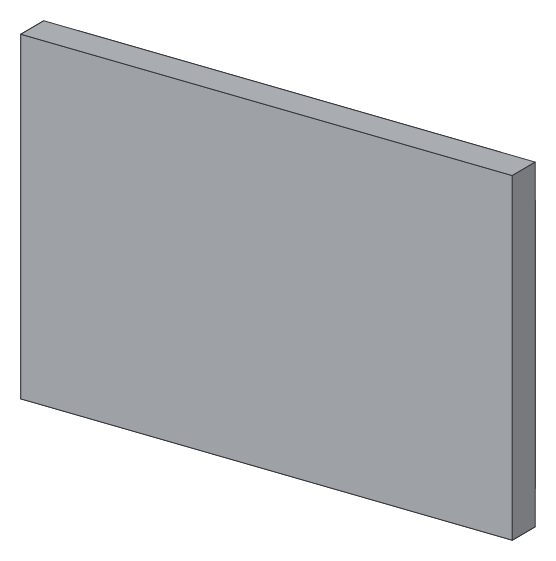
The default flat cassette (600 × 400, returns 40, tabs 20) has a 704 × 504 mm pattern and a material area of 0.337 m² (default deduction included).
per sheet = ⌊(usable + gap) / (part + gap)⌋ in x × same in y

1220 × 2440, no grain, part turned (504 × 704):
   ⌊1208 / 512⌋ × ⌊2428 / 712⌋ = 2 × 3 = 6 parts   → waste ≈ 32%
1220 × 2440, with grain (704 × 504 not turned):
   ⌊1208 / 712⌋ × ⌊2428 / 512⌋ = 1 × 4 = 4 parts
1500 × 3200, part not turned:
   ⌊1488 / 712⌋ × ⌊3188 / 512⌋ = 2 × 6 = 12 parts  → waste ≈ 16%
The grain direction costs two parts per sheet here. The waste counts the real material area of the patterns (reliefs and slits deducted), not their rectangular footprint: the 32% therefore include the internal offcuts of the shelves and what the sheet loses in margins.
The per-sheet DXF
Each sheet exports as one DXF: the placed parts with their rotation, merged layer by layer (reading the DXF), plus the sheet outline and the usable zone on COTATION, never machined, and a text TOLE 1 1220 x 2440. Each part carries its label <family>-<no.> on REPERE. The on-screen “nesting” view, the per-sheet DXF and the cut sheet come out of the same model.
The cut sheet
The sheet prints from the browser (window.print(), no PDF library): the flat view and the sheets are already SVG in the page, the same as the DXF’s. It contains:
- Header: family, date, machine and material profile (thickness, residual skin, deduction calibrated or
NOT calibrated), quantity; wall layout and number of mirrored cassettes to make separately. - Part parameters.
- Metrics per part: developed size, material area, contour length, groove length per apex angle, drillings / reliefs / slits.
- Cutters to mount and contour tool.
- Batch and material: number of sheets, sheet area, waste in %, material cost at the profile’s price per m².
- Diagnostics, including unplaced parts and their reason.
- Pattern in front view — the DXF itself is in machining view, back.
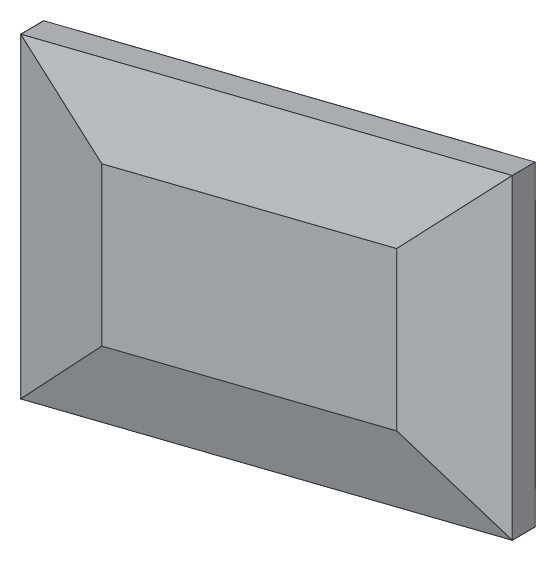
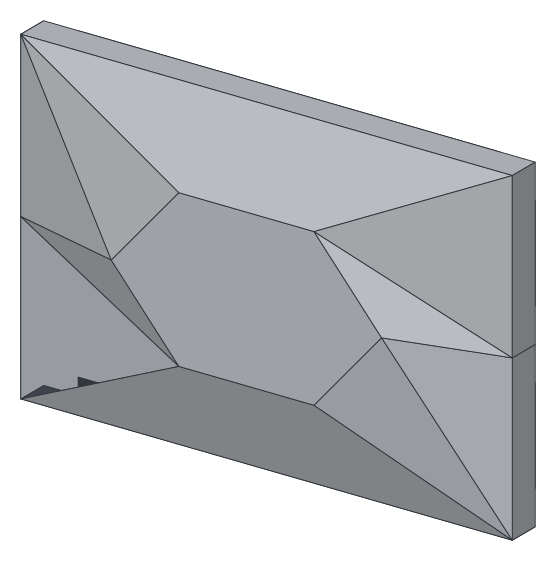
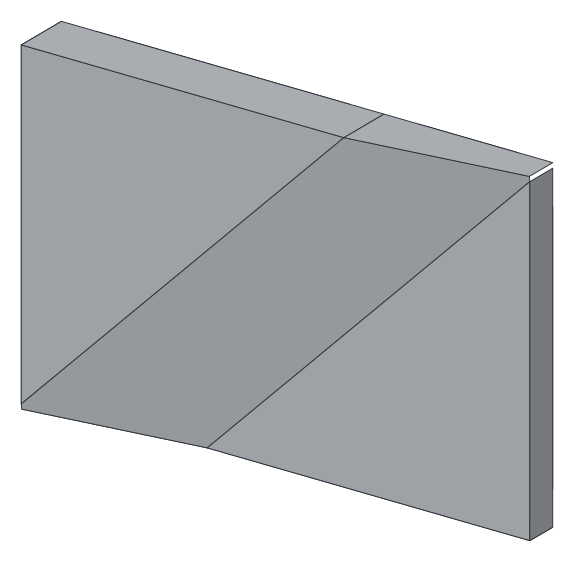
Open the flat cassette in the studio, set the quantity to 24 and change the sheet format to see the number of sheets and the waste recompute. Families with a large pattern — truncated pyramid, hexagonal plateau, diagonal band — are where the format matters most.
Read next: wall layouts: rotating, shifting and mirroring cassettes.
Frequently asked questions
- How many 600 × 400 cassettes on a 1220 × 2440 sheet?
- Six, with the defaults (returns 40, tabs 20: 704 × 504 mm pattern, 10 mm margin, 8 mm gap, part turned by 90°); four if the sheet has a grain direction (rotations 0/180 only). Twelve on a 1500 × 3200.
- Why a 10 mm margin and an 8 mm gap?
- These are the material profile defaults: the margin covers the unusable sheet edge and the clamp, the gap lets the Ø 6 mm contour tool through with clearance. Both are set in the profile.
- Is the nesting true-shape?
- No: phase 1, rectangular bounding boxes laid in shelves, deterministic. True-shape nesting (NFP) is phase 2. The per-sheet DXF already contains every placed part, ready for CAM.
- What happens if the pattern does not fit on any sheet?
- OFF_SHEET: the engine names the developed size and the margin, and the part is not placed (TOO_LARGE in the nesting). OVER_TRAVEL if the pattern exceeds the machine travel (1300 × 2500 mm by default).