Logmcp-server
An MCP server to drive the generator from an assistant
Six tools on /api/mcp — list_families, describe_family, build_panel, export_dxf, nest_panels, calibrate_deduction — so an assistant can quote a façade, read the diagnostics and fetch the DXF without opening the studio. One line to attach it to Claude Code.
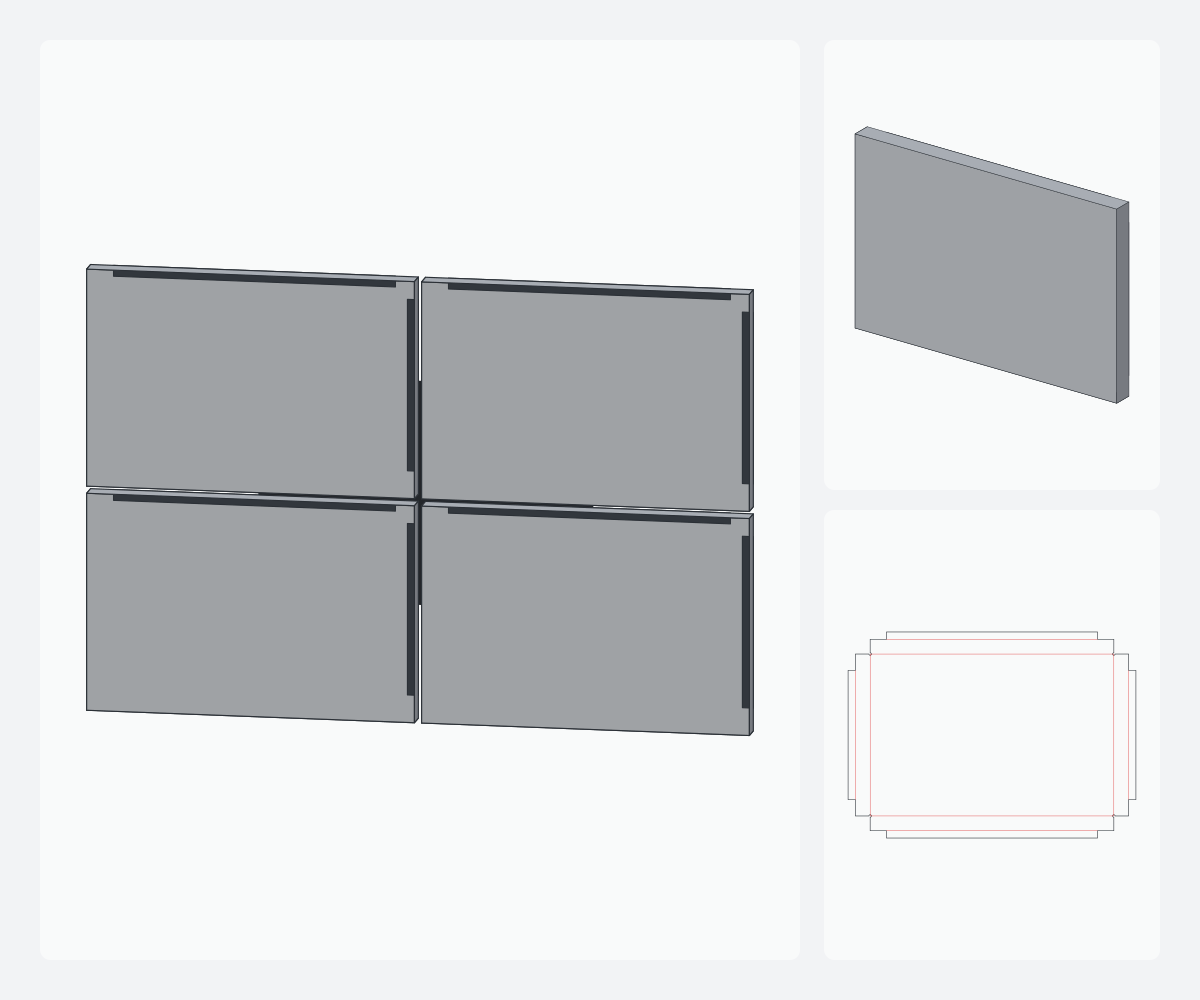
A façade quote, for us, starts with an e-mail: “48 pyramid cassettes 800 × 600, 60 mm relief, how many sheets?”. Answering means opening the studio, setting four parameters, reading the metrics, running the nesting, copying it out. Since this week, an assistant can do it for us, with the same calculations, because the generator is also an MCP server.
What /api/mcp is
The Model Context Protocol is a JSON-RPC protocol that assistants (Claude and others) use to call tools. Our endpoint is https://acm.hmlssender.com/api/mcp, stateless “Streamable HTTP” transport: one POST per message, one JSON response, no session and no stream. A GET returns a readable card — name, engine version, tool list, authentication mode. No dependency: the useful subset of the protocol (initialize, ping, tools/list, tools/call, notifications) fits in about a hundred lines and runs in the tests under Node.
The server is read-only: it never touches projects or accounts. If the MCP_API_TOKEN variable is set, the route requires Authorization: Bearer <token>; otherwise it is open. Guard rails: 120 messages per minute per address, body limited to 1 MB, batches of at most 20 messages, and a switch in the admin console that answers 503 mcp_disabled. Every tool call is logged (tool, duration, success) so we know what gets used.
The six tools
list_families— the 21 catalogue families: id, name, category, tier, parameter count.describe_family— for one family: every parameter with its range, step, unit and default, the presets, and the manufacturing constraints.build_panel— builds the panel with the default machine and material profiles (3, 4 or 6 mm thickness) and returns the metrics (flat size, area, groove and contour length, folds, drills), the diagnostics with English title and explanation, andexportable.export_dxf— the multi-layer DXF in machining view (back), R12 by default or R2000, with an ASCII mark onREPERE. Refused if the panel is not exportable: “fix the diagnostics of build_panel”.nest_panels— places N copies on sheets (1220 × 2440 by default, any format): sheet count, waste rate, material cost.calibrate_deduction— the real deduction from a measured coupon:r = r0 + (measured − (k+1)·L) / k.
Missing parameters take their default; out-of-range ones are brought back in, and the note shows up in the diagnostics. An unknown family id returns “Unknown family: use list_families”, not a stack trace.
One call, as is
httpPOST /api/mcp
{
  "jsonrpc": "2.0", "id": 1, "method": "tools/call",
  "params": {
    "name": "build_panel",
    "arguments": { "familyId": "pyramid", "params": { "reliefMm": 60 }, "thicknessMm": 4 }
  }
}
And what the engine answers when the requested slope has no cutter in the default profile:
json{
  "exportable": false,
  "diagnostics": [
    { "code": "CUTTER_UNAVAILABLE", "severity": "error",
      "title": "Cutter not available",
      "message": "… angle au sommet requis 118.1°, absent du profil machine.
                  Fraise la plus proche : 135° (écart +16.9°)." }
  ]
}
The important point: the assistant receives exactly what the studio screen receives. Same engine, same profiles, same “no export with an error” rule. It cannot obtain a DXF we would not have obtained ourselves.
Attaching it to Claude Code
bashclaude mcp add --transport http acm https://acm.hmlssender.com/api/mcp
# with a token:
claude mcp add --transport http acm https://acm.hmlssender.com/api/mcp \
  --header "Authorization: Bearer <token>"
Then, in a session: “list the pro-tier relief families, build an 800 × 600 pyramid with 60 mm relief in 4 mm, tell me whether it exports, and nest 48 copies on 1500 × 3200”. The assistant chains list_families, build_panel, then nest_panels, and reads the diagnostics before concluding. The instructions message returned at initialisation tells it in which order to use them.
What we do with it in the workshop
Two uses so far. Quick quoting: a family, dimensions, a quantity, and the sheet count with the waste rate in thirty seconds, inside the quote’s e-mail thread. And batch verification: a script that rebuilds every family at its defaults and presets and compares exportable and the metrics from one engine version to the next. The first has already replaced the spreadsheet; the second found a deduction regression before it reached a sheet.
Read next: reading a cassette DXF: layers, R12 vs R2000.